TL; DR
- ColorOS 17 open beta registrations run from 9 to 12 October for select OPPO, OnePlus and realme phones in India.
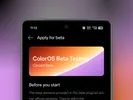
- To apply, open the software update menu, enter the beta program, complete a quiz and wait for approval. You can take the quiz up to three times, but a higher score does not guarantee a slot.
- The stable rollout could begin around the 13 October global launch, although OPPO has not confirmed an India release date.
ColorOS 17 open beta registrations are now live in India for select OPPO, OnePlus and realme phones. The application window closes after 12 October, so eligible users have only a few days to sign up.
The global ColorOS 17 event is scheduled for 13 October at 2:30 PM IST. China has already started receiving the stable update, with the Find X9 series, OnePlus 15 and realme GT 8 Pro among the first devices. The India stable rollout could begin around the global launch, but there is no confirmed date yet.
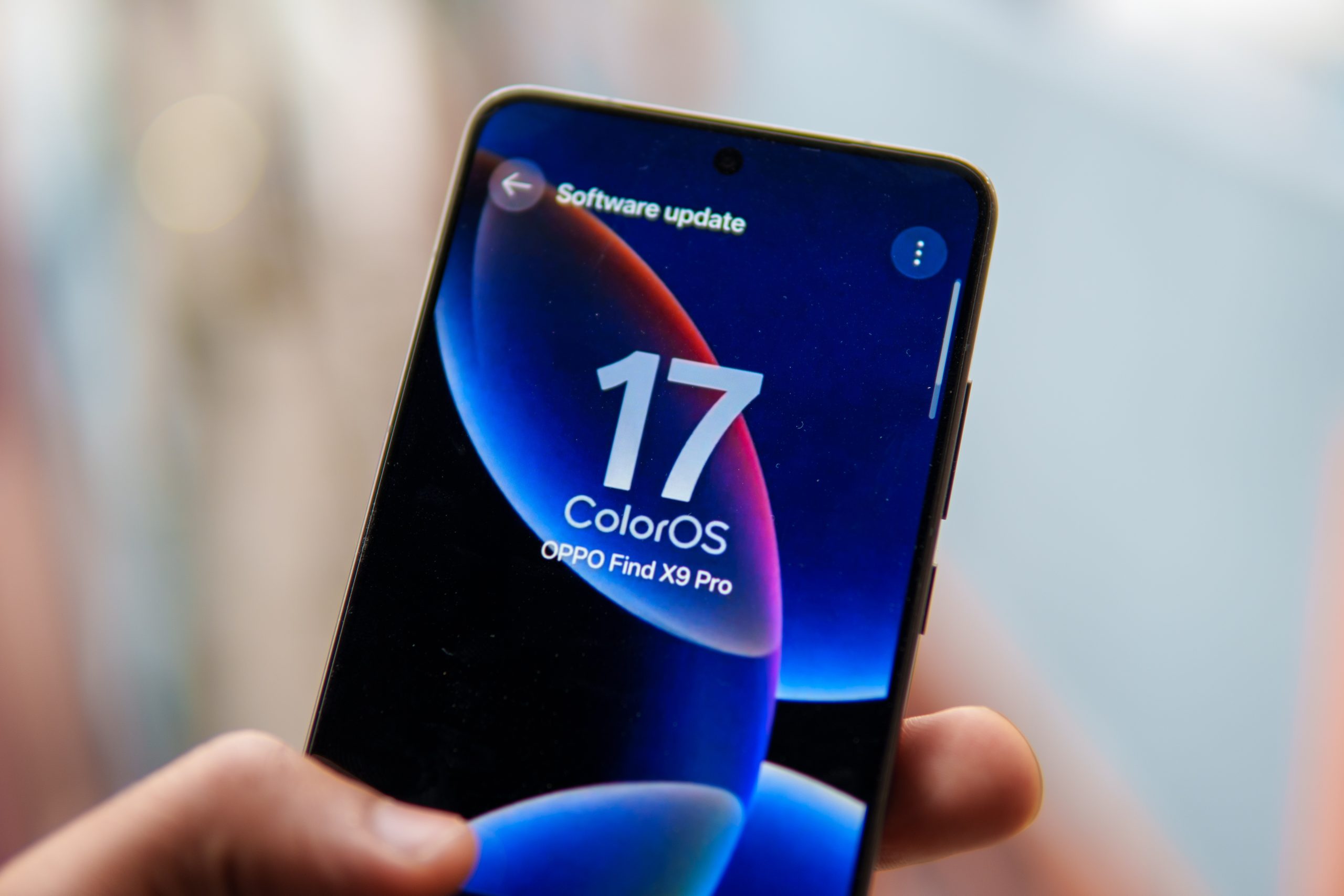
This round covers more devices than the closed beta that opened in August, which was limited to a smaller group of users on select Find X9, Reno 15, OnePlus 15 and certain realme GT models.
ALSO READ: ColorOS 17 Global Launch Set for October 13, Find X10 Series Coming October 21
Eligible OPPO Phones
The open beta is available in India, Indonesia and Malaysia for the following Find series phones:
- OPPO Find X9 Ultra
- OPPO Find X9 Pro
- OPPO Find X9
- OPPO Find X9s
- OPPO Find X8 Pro
- OPPO Find X8
The Reno models are eligible in India and Malaysia:
- OPPO Reno15 Pro
- OPPO Reno15 Pro Mini
Eligible OnePlus Phones in India
- OnePlus 15
- OnePlus 15R
- OnePlus 13
- OnePlus 13s
- OnePlus 13R
OnePlus community posts have also confirmed that the open beta is live for the OnePlus 15R, 13, 13s and 13R.
Eligible realme Phones in India
- realme GT 8 Pro
- realme GT 8 Pro Dream Edition
- realme GT 7 Pro
- realme GT 7
- realme GT 7 Dream Edition
- realme GT 7T
ALSO READ: OPPO Teases New Tablet and Enco X4 for India
How to Apply for the ColorOS 17 Open Beta

- Open Settings and go to the software update screen.
- Tap the three-dot menu in the top-right corner and select Beta program.
- Under Closed beta, tap Apply.
- Open the beta application section and complete the quiz.
- Submit your application and wait for approval.
You can take the quiz up to three times if you do not get a good score on your first attempt. However, a higher score does not guarantee acceptance, since beta slots are limited.
OPPO also warns that this is beta software and may contain bugs. If you rely on your phone for banking, work or other tasks that cannot be interrupted by software issues, it is safer to wait for the stable release or install the beta on a secondary device.

You can follow Smartprix on Twitter, Facebook, Instagram, and Google News. Visit smartprix.com for the latest tech and auto news, reviews, and guides.