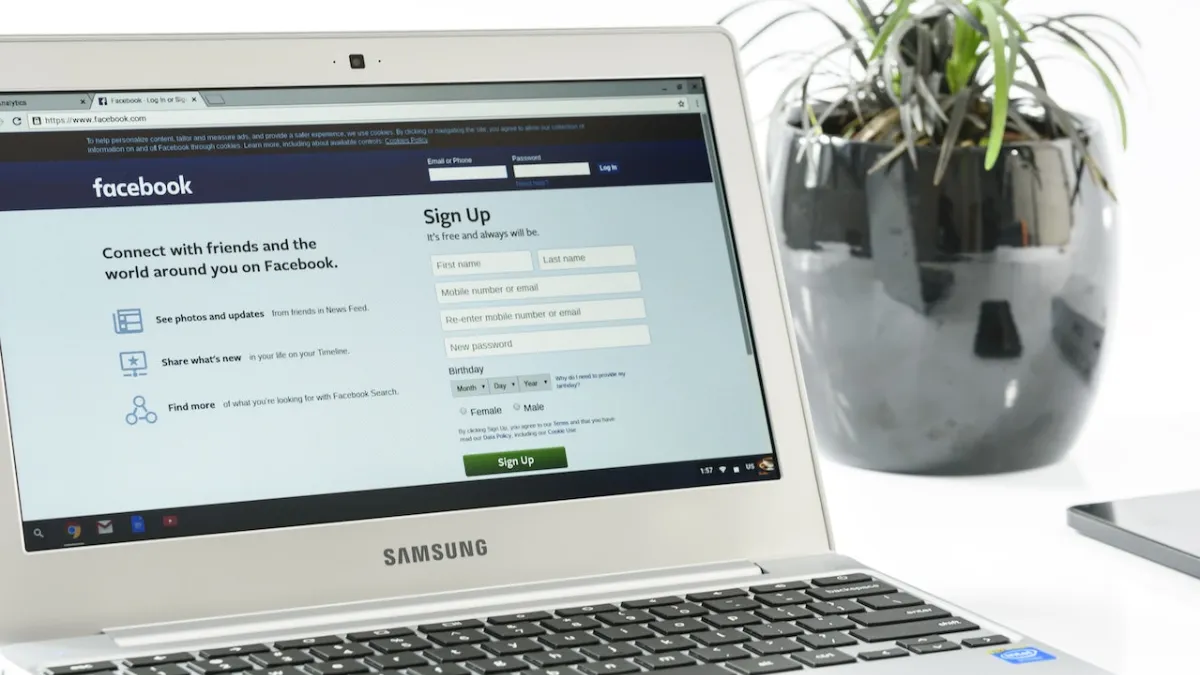
Privacy is a need of the hour especially when you are using social media sites like Facebook and Instagram. Since there is no way to make your Facebook private, you may change your settings to better protect your data and information to limit your social reach on the internet.
We have here created tips and tricks to help you better control your Facebook information. The following Facebook privacy settings should be changed right away to make your account more private and safe.
1. Disable Off-Facebook Tracking
It’s not surprising that Facebook keeps track of every action you take on its app or website. The Meta-owned platform does that to display customized adverts and generates business revenue. You might not be aware, though, that Facebook also keeps a track of your online behaviour off of its website.
You may view the information Facebook has on you, including the websites and apps you’ve used, as well as the information they’ve shared with Facebook, by looking at your off-Facebook activities. You can disable it if you don’t feel okay with Facebook holding this information.
To disable it, go to Settings & Privacy > Settings > Off-Facebook Activity (under Permissions) > Disconnect Future Activity.

On the Off-Facebook Activity page, click Clear History to erase your Off-Facebook activity history. Additionally, you can change your Facebook ad options to eliminate viewing particular advertising.
2. Limit Who Can See Your Posts
On Facebook, you have the right to decide who can see the posts published by you. You have the choice of choosing between Public, Friends, Only Me, or Custom. Facebook sets this to Friends by default, but you can alter it to your preferred custom setting if you want to be more selective about the people who can see your postings.
To do this, go to Settings & Privacy > Settings > Posts > Who can see your future posts.

3. Limit Access to the Profile Information
You may share a lot of personal information about yourself on Facebook, such as your contact details, relationship, education, hometown, interests, and employment history. On Facebook, you may decide how much of this data is made public to different audience groups.
To do this, go to Profile > Edit Profile > Edit details > Select Audience.

4. Disable Continuous Contacts Upload
Sharing your contact list with Facebook was a cool method of locating friends back when it was new. However, it’s likely that you no longer want Facebook to have access to this data along with a few of the contacts who would prefer not to have their information shared without their knowledge. Nevertheless, Facebook gives you the option to disable this feature whenever you want.
To do this, go to Settings & Privacy > Settings > Permssions > Upload contacts > Turn off Continuous contacts upload.

ALSO READ: 14 Movies to watch on Netflix, Prime Video, Disney+Hotstar & more OTT platforms in October 2022
5. Control who can find you using your contact details
You could look up people using your contacts list on Facebook. Previously, it was a great feature but with recent data privacy issues, you might wish to restrict who can use your contact information to find you. You can control this setting if you prefer that people cannot find you using your contact information.
To do this, go to Settings > Settings & Privacy > Audience and visibility > How people find and contact you > Select the preferred choice.

6. Hide Your Profile From Search Engines
Your Facebook profile is set up by default so that search engines like Google may index it. This indicates that your profile is likely to appear in the search results if someone searches for your name. You can modify this setting to prevent your profile from appearing in search results. This will make it harder for strangers to locate you, but not to your friend list.
To do this, go to Settings & Privacy > Settings > How people find and contact you. > Do you want search engines outside of Facebook to link to your profile? > Disable the option.

7. Control tagging in posts by others
Facebook users can be identified in posts and photographs by using the tagging feature. Anything you’re tagged in by default gets shared with your friends as well. However, you can modify this setting to require your approval before any tags are published to your timeline.
To do this, go to Settings & Privacy > Settings > Profile and tagging > Choose different options.
8. Disable Facebook’s In-App Browser
Facebook has this feature to open in-post links on its own platform but this is unnecessary. You can choose to be redirected to your default browser without letting Facebook know what kind of post you are interested in.
To do this, go to Settings & Privacy > Settings > Media > Check the option saying “Links open externally”.

9. Review old posts
Reviewing your previous posts is a smart idea so that you can see what to do with them. You can remove a Facebook post if you notice something that makes you uncomfortable.
To do this, go to Profile > Click on three dots > Manage posts > Figure out what to do.