Google App to gain a floating search shortcut on Android

Main Image
  • Like
  • Comment
  • Share

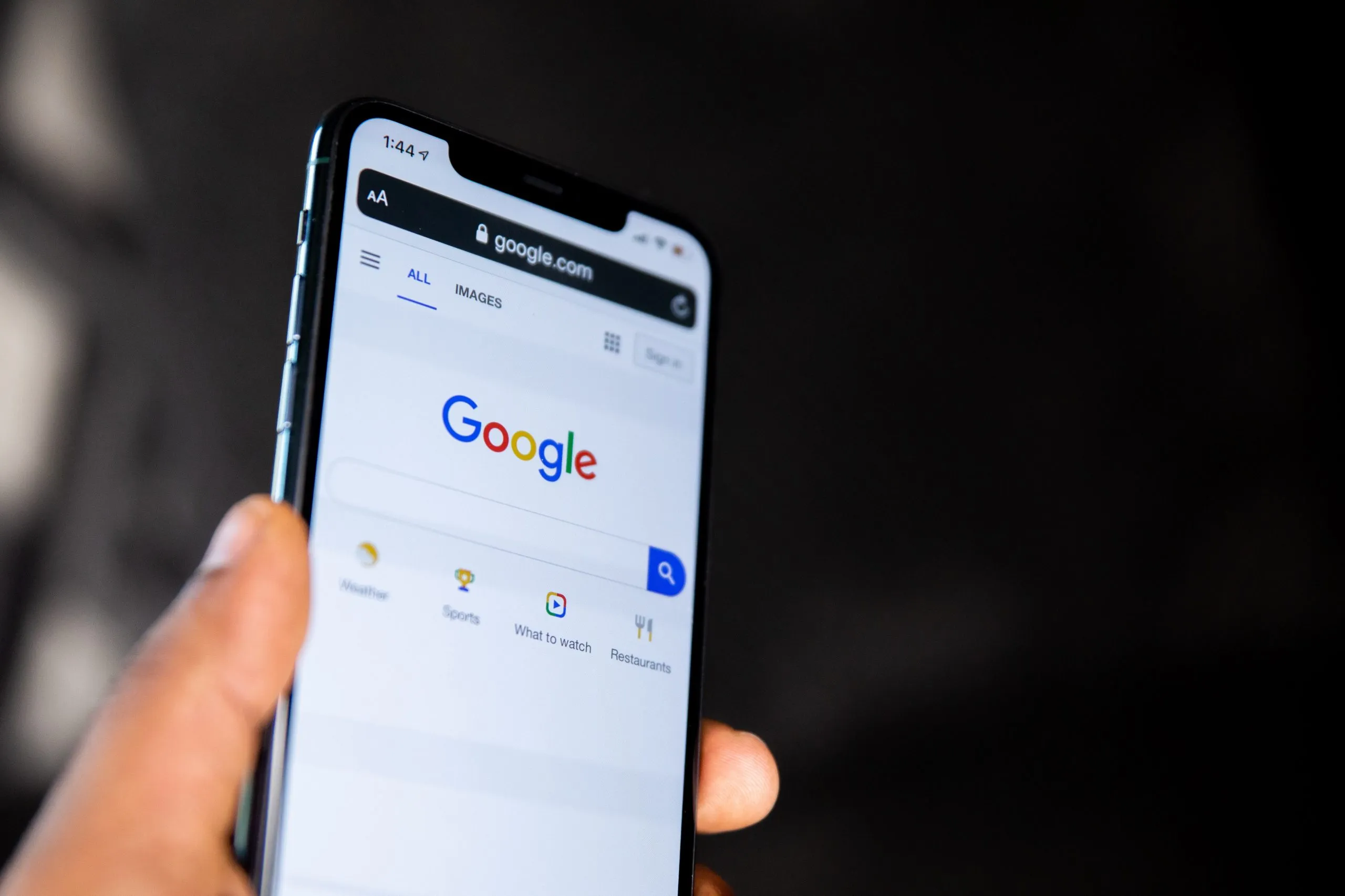
Google is working on a new floating search shortcut that will let the users quickly do a voice or text search from their smartphone’s home screen. The shortcut will appear as a chat head style floating button that one can place anywhere on their screen for easy access.

According to a report by 9to5Google, new strings of code about the new feature have been seen in a teardown of version 12.44 beta of the Google App. This is what it might look like.

The search shortcut can be placed anywhere and will look like a chat head style notification. It will have 2 buttons that will let you either text or voice search. If one taps on the voice search button, he/she will be redirected to the non-Assistant voice search experience that supports music queries.

ALSO READ: Marvel Movies will now be available in IMAX format on Disney+ Hotstar App

You will be given a choice to keep it either on the home screen or remove it. If you plan to keep it on the home screen initially, but later want to get rid of it then you will be able to do it by dragging and dropping the shortcut to the bottom of the screen to either hide it temporarily or turn it off completely.

Google has not made any official announcements regarding this new feature and there’s no surety about when it will start to roll out.

ALSO READ: OnePlus 10 Pro in renders shows a Galaxy S21-like camera design

Additionally, Mishaal Rahman claims that one can try this shortcut before launch by downloading Google App 12.44.17.29 on your device and launching the ‘com.google.android.apps.gsa.staticplugins.bubble.searchbubble.ui.OptinAlertDialogActivity’ activity.


Source: 1, 2

Shivangi AgarwalShivangi Agarwal
Shivangi is a tech writer at Smartprix, where she covers consumer technology news with a focus on smartphones, wearables, laptops, and the evolving world of OTT streaming. Since joining the team in August 2021, she has written over 120 in-depth reviews, comparisons, and buying guides aimed at helping readers navigate the ever-changing tech landscape.

With a strong foundation in English literature and education, Shivangi brings clarity, insight, and a reader-first approach to every story. Her expertise lies in breaking down complex features into accessible, practical insights—whether she’s reviewing the latest smartphone or exploring trends in infotainment.

Shivangi holds a B.A. (Hons.) and M.A. in English, along with a B.Ed in English and Social Studies. She is based in Faridabad, India. You can follow her work on Smartprix or connect with her for tech-related queries.

Related Articles

ImageExclusive: ASUS is Bringing the World’s First Dual OLED Gaming Laptop to India

Get ready, Indian gamers and creators. According to trusted industry insider Yogesh Brar, ASUS is gearing up to bring an absolute beast of a machine to the Indian market. Billed as the world’s first dual OLED screen gaming laptop, the highly anticipated ASUS ROG Zephyrus Duo (2026) GX651 is landing in India next month. India …

Image22 Samsung One UI Tips, Tricks, and Hidden Features

Samsung’s OneUI is undoubtedly one of the best Android skins as of today and it has been further refined with its third iteration. The software has a clean design, has been optimized for comfortable one-hand use, has loads of slick animations, and quite a few new useful features. In fact, many OEMs are now taking …

ImageWindows 11 Keyboard Shortcuts: The Essential Guide to Boosting Your Productivity

In the digital age, time is of the essence, and efficiency in using your computer can significantly impact your productivity. Windows 11, the latest desktop operating system from Microsoft, comes with a host of keyboard shortcuts that can streamline your daily tasks. These shortcuts are designed to make your work life easier, helping you navigate …

ImageGoogle Health App Launches With Gemini AI Coach and Full Redesign

Google has officially renamed the Fitbit app to Google Health, marking a major shift in how the company wants to handle fitness, sleep, and wellness tracking going forward. The new app combines Fitbit’s tracking system with Google services and Gemini AI features. Google Health Coach The biggest addition is Google Health Coach, an AI-powered coaching …

ImageWhatsApp Is Testing Notification Bubbles on Android

WhatsApp is now testing notification bubbles for Android users in its latest beta release. The new feature brings floating chat bubbles that stay on screen and let users reply to messages without fully opening the app. How It Works Once available, incoming messages from personal chats or groups can appear as small circular bubbles on …

Discuss

Be the first to leave a comment.

Related Products