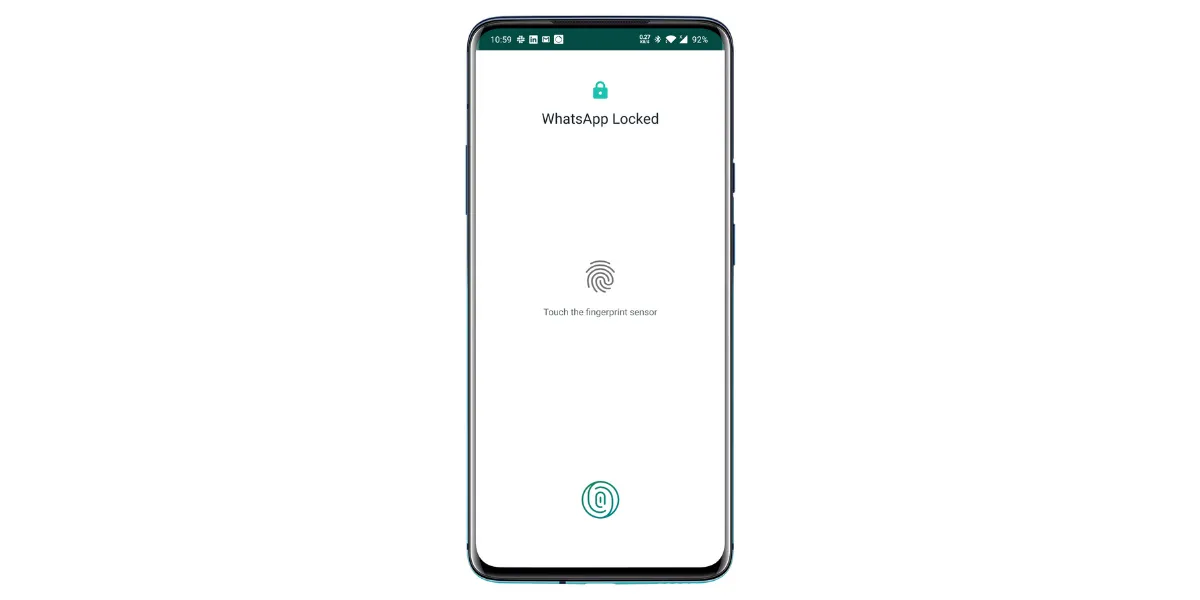
How to bypass WhatsApp Fingerprint lock without root

What to do when fingerprint lock is not working

Main Image
  • Like
  • Comment
  • Share

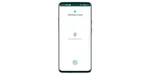
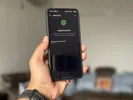
Last year WhatsApp added the option for fingerprint lock to secure WhatsApp. The fingerprint lock is quite convenient and lets in only people with fingerprints registered on your phone.

However, if the fingerprint authentication fails, you won’t be able to bypass the WhatsApp fingerprint lock even if you have the unlock pin of the phone. This is a one layer lock and you can’t have a secondary pin or pattern unlock option in case the fingerprint lock is not working.

Why would you need to bypass fingerprint lock on WhatsApp?

Before we proceed, let’s make it clear that this is not a hack that will help with unauthorized access. Bypassing fingerprint lock could be a genuine requirement that could if your phone’s fingerprint reader malfunctions. Consumers using phones with in-display fingerprint sensors could be barred from accessing WhatsApp if they accidentally damage their phone screen. Or perhaps if the registered digit is injured or bandaged.

To bypass WhatsApp fingerprint lock in such circumstances, here’s what you need to do.

Also check: 30 Latest WhatsApp Hidden Features, Tips, and Tricks To Know In 2020

How to bypass and disable fingerprint lock on WhatsApp?

All you need to do is delete the fingerprints registered on your phone. To do so, you must know the alternate unlock PIN or pattern that all Android phones mandatorily require before registering fingerprints.

The exact steps to do so will differ based on your OS. Basically, you need to go to the main settings menu and search for fingerprints. After authenticating the action with your pin, pattern or other alternate unlock method, you’d be allowed to delete the registered fingerprints.

Here is a generic guide that should work for most Android skins. Follow the steps below.

1. Open the Settings app.

2. Go to Passwords and security or a similar option. 
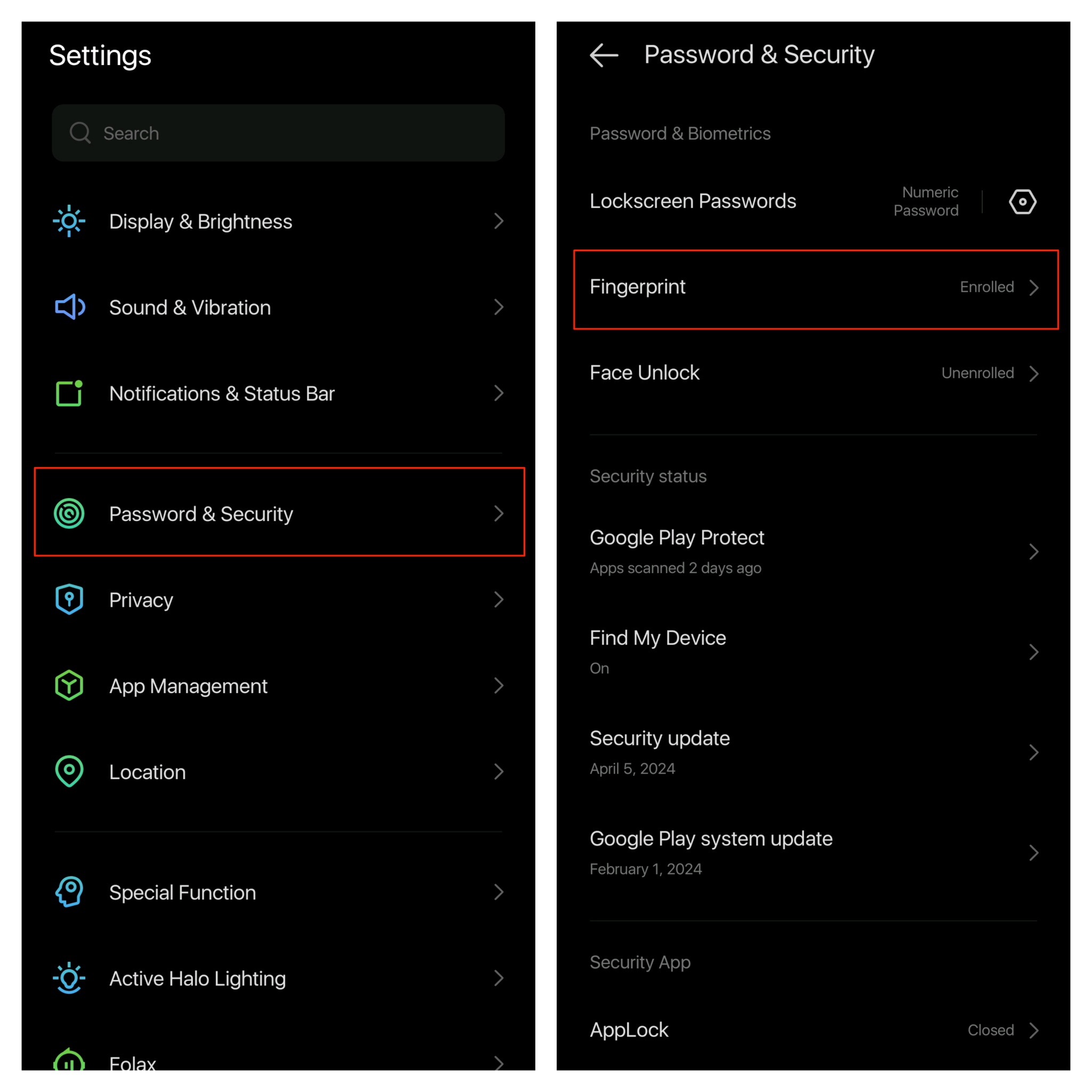
3. Then, tap on Fingerprints. You might have to enter your lock screen PIN, pattern, or password to continue.

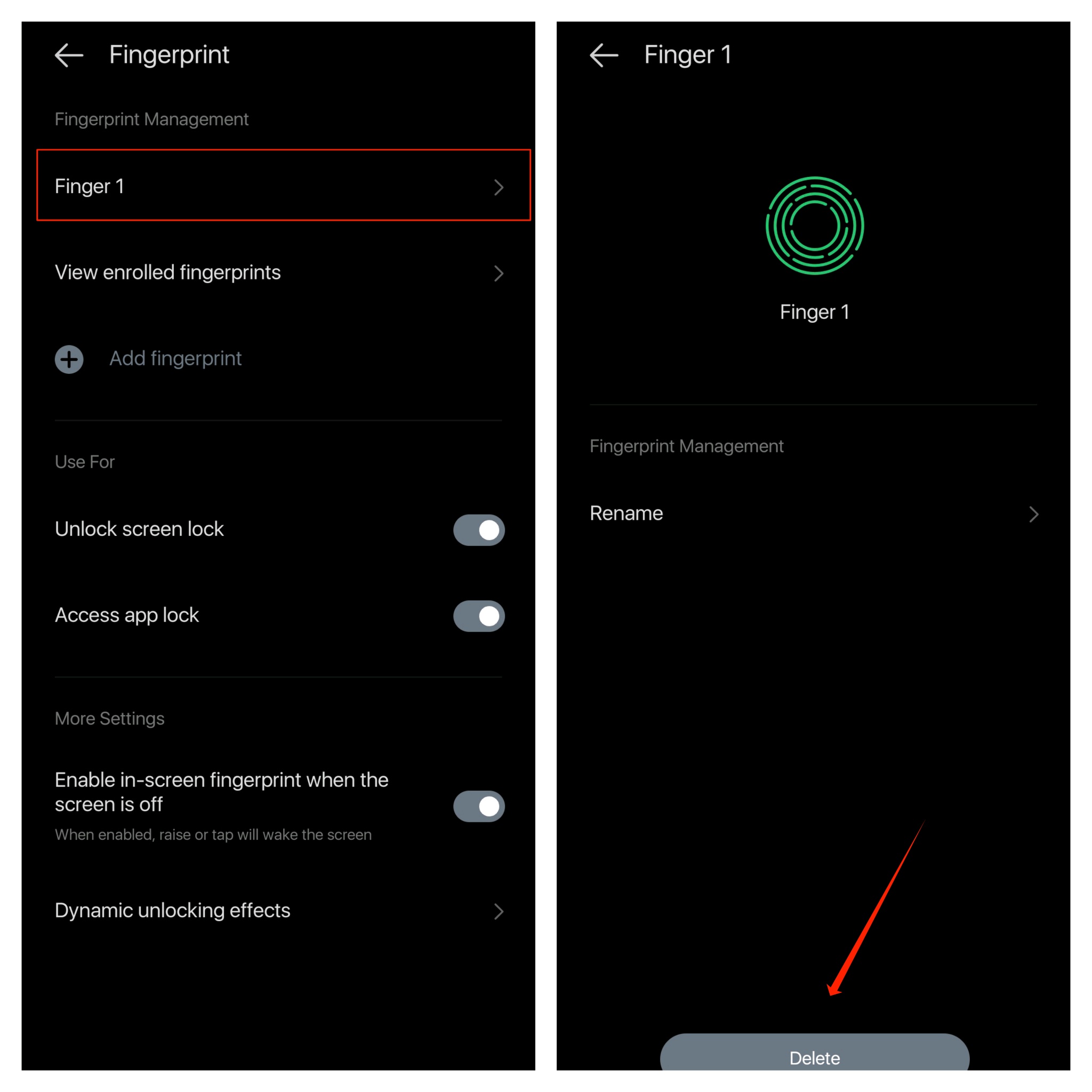
4. Tap on a fingerprint and select Delete. Do this until there are no fingerprints left.
5. Re-open WhatsApp and you will be asked to enter your PIN to continue.

That’s it. Once you delete fingerprints, your WhatsApp fingerprint lock will be automatically disabled.

You can follow Smartprix on TwitterFacebookInstagram, and Google News. Visit smartprix.com for the latest tech and auto newsreviews, and guides.

Deepak SinghDeepak Singh
Deepak Singh is a technology journalist and editor with over 13 years of experience covering consumer electronics. A computer engineering graduate, he has developed deep expertise in chipsets, displays, and hardware performance.

Over the past decade, Deepak has reviewed more than 700 products, including smartphones, laptops, TVs, and audio gear. He currently leads the editorial team at Smartprix, focusing on accurate, useful, and hands-on tech reporting.

When he’s not testing new devices, Deepak enjoys reading and spending time with his family.

Related Articles

ImageSamsung Is Reshuffling Its Entire Foldable Lineup Because Apple’s Foldable iPhone Is Coming

Samsung is making one of the most important structural changes to its foldable lineup in years, and believe me, the timing is not a coincidence. The Cupertino giant Apple is widely expected to launch a foldable iPhone later in 2026; whether it be called the iPhone Fold or the iPhone Ultra is a completely different …

ImageWhatsapp Fingerprint Lock is now available on Android; Here’s how to enable it

So its finally here, albeit a little late. The latest Whatsapp stable update v.2.19.308 brings the “Unlock with Fingerprint” feature to Android. You can use the same fingerprint(s) that are registered in your device security settings. Yes, you can use multiple fingerprints to unlock it. Setting it up is a fairly easy process and here’s …

ImageWhatsapp Beta for Android gets Fingerprint lock feature

Slow but sure seems to be the motto followed by Whatsapp as it ushers in a laundry list of features. One such coveted feature is the fingerprint unlock is apparently live for beta testers. The new feature is spotted on v2.19.221 (Beta) by WABetaInfo, an online watchdog known for unraveling new and hidden Whatsapp updates. …

ImageWhatsApp Is Testing Notification Bubbles on Android

WhatsApp is now testing notification bubbles for Android users in its latest beta release. The new feature brings floating chat bubbles that stay on screen and let users reply to messages without fully opening the app. How It Works Once available, incoming messages from personal chats or groups can appear as small circular bubbles on …

ImageYou Can Now Recharge Your Jio, Airtel, Or Vi Number On WhatsApp: Here’s How

WhatsApp launched in-app prepaid mobile recharges in India on April 23, 2026, powered by PayU, supporting Jio, Airtel, and Vi plans with UPI, debit, and credit card payments. The Meta-owned instant messaging platform has rolled out a new feature that allows Indian users to recharge their prepaid mobile numbers, their own or someone else’s, without …

Discuss

17 Comments
Sree Lavanya Radhakrishnan
@sree_banudece
2 years ago

YOU ARE A LIFE SAVIOUR. IT FREAKING WORKED FOR VIVO V19. THANKS A LOT

Reply
patricia zhi
patricia zhi
@patricia_libicivi
3 years ago

hello

Reply
User
Kizzy
Anonymous
3 years ago

Guess they need to fix that because to delete your finger print for one app doesn’t make sense. Thanks for the help …

Reply
User
Bill
Anonymous
3 years ago

I don’t want to delete the fingerprints themselves, as they work well with many apps. I only want to delete fingerprint access for ONE app. How can I delete fingerprint access for a given app?

Reply
User
WARDA QAMAR SYED
Anonymous
4 years ago

Unable to delete the fingerprints, what to do now? Anyother option 😭 Please help

Reply
User
Kebra
Anonymous
4 years ago

Wow this really really helped thanks

Reply

Related Products