How To Check Live Trains Status on Google Maps in simple steps?

Main Image
  • Like
  • Comment
  • Share

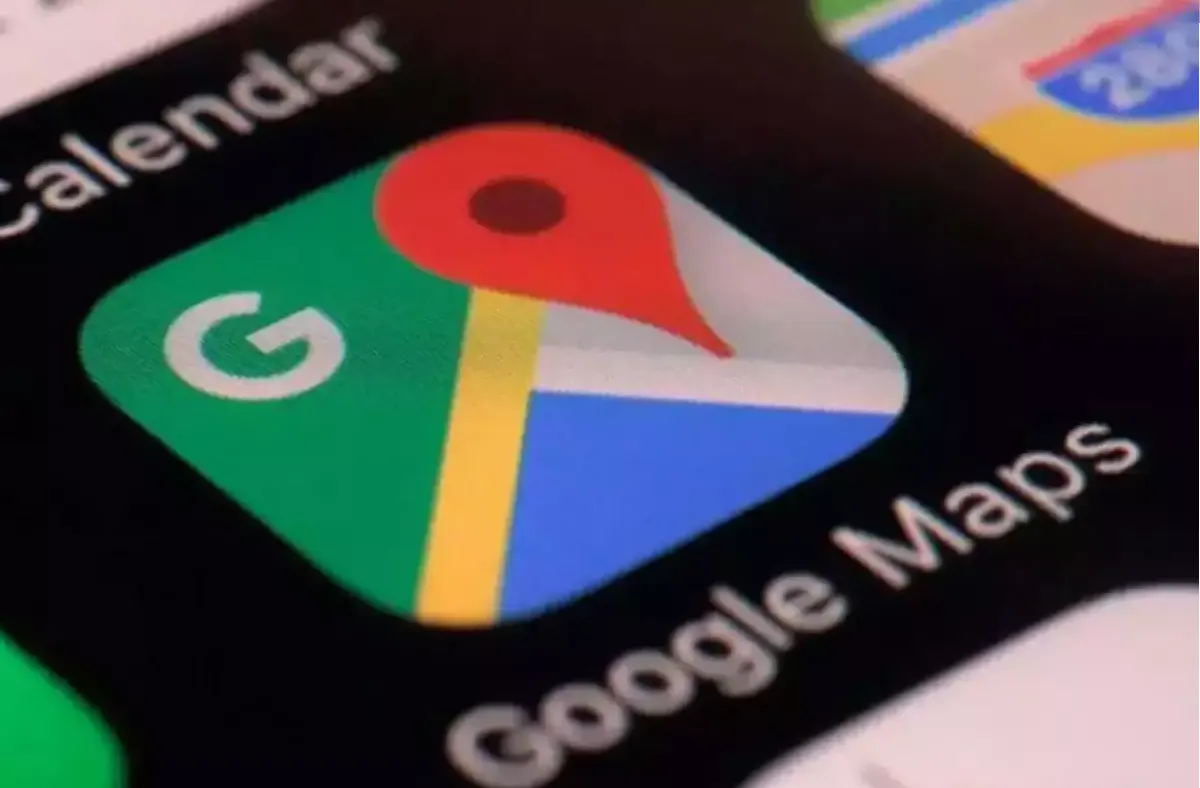
Google Maps has continually added a bunch of features on its platform for years. In 2019, it introduced three features targeted towards public transport wherein you can check out the bus travel timings in 10 cities, real-time status of trains in India as well as suggestions to commute using other modes of transport if that’s quicker or the traffic is daunting.

In India, the ability to check live train status is a must to use as it shows the trains plying on the route you mention, delay status, arrival time, schedules, and a whole lot of information. As this feature is built-in on Google Maps, you don’t have to download a third-party app to do the same.

Google acquired an app touted as “Where’s My Train?” to facilitate this feature onboard Google Maps. Hopefully, the search engine giant will continue improving the feature adding more to it as and when it goes further.

How To Check Live Train Status on Google Maps?

This is certainly one of the best features on Google Maps that you can use to track the real-time location of your train all without needing a third-party app. Here’s how it works.

Google Maps lets you track live train status that works pretty accurately and it is super easy to use. Here’s how you can actually know the live status of your next train.
  • First up, open Google Maps (of course).
  • Next up, enter the destination where you want to go similar to how you would find the route to the destination.
  • Next up, you will get a few options whether to travel by bus, train, bicycling, walking, etc; select ‘Train’.
  • The next popup consists of all the trains that ply on the route you mentioned i.e. source to destination either direct or using multiple modes.
  • Tap on the train you want to know the location for and you should get the real-time location of the same.
  • You will also get an estimated time of arrival as well as other trains and buses available on the same route.

It’s pretty easy to use the live train status feature on Google Maps so anyone can do it. All you have to do is to check for trains after entering the source and destination and the app pretty much shows all the information it has to offer.


Related Articles

ImageiQOO Z11 Spotted on Geekbench as Official Teasers Hint at an Imminent Launch

iQOO appears to be preparing to launch a new Z-series smartphone in India. An upcoming device carrying the model number I2514 has now surfaced on Geekbench, while the company has also started teasing the number ‘11’ on social media. Together, the two developments strongly suggest that the iQOO Z11 could be the brand’s next launch. …

ImageHow To Check Live Train Running Status on Google Maps

Google Maps has become a staple in terms of navigation maps in India and abroad, offering great features, travel modes, and more. You can find a route to your destination on foot, car, bike, public transport, ferries, and more without any hassle. Cut to now, and there’s a new feature that users across iOS and …

ImageHow to check road toll price on Google Maps in few simple steps

Google Maps is undoubtedly an indispensable app on any smartphone as it lets you find routes, spots, attractions, view the world on your phone, and so on. Google Maps keeps updating the list of features from time to time. One of the features that were integrated with Google Maps earlier this year was the ‘Toll …

ImageGoogle Releases Wear OS 7 For Pixel Watch With New Widgets, Live Updates, And Better Battery Life

Google is rolling out Wear OS 7, its wearable operating system, for its Pixel Watch lineup. It announced the update alongside Android 17 on June 16, 2026. It comes after Google showcased some features during The Android Show and the Google I/O 2026. There’s plenty of ground to cover, so, without any further ado, let’s …

ImageGoogle Maps Adds “Ask Maps” AI Assistant and 3D Immersive Navigation

Google has introduced a new feature called Ask Maps. It turns Google Maps into a conversational assistant. Instead of typing short search queries, you can now ask full questions inside the app. The experience feels closer to chatting with an assistant than running multiple searches. The feature runs on Gemini 3 models and uses the …

Discuss

Be the first to leave a comment.

Related Products