How to Download the iOS 27 Wallpaper for your Smartphone

Main Image
  • Like
  • Comment
  • Share
TL; DR
  • Apple has introduced an official iOS 27 wallpaper that hides the number “27” in a subtle, elegant way within the design.
  • The wallpaper uses a clean gradient with delicate abstract patterns, making the “27” almost invisible until you look closely.
  • You can download the official wallpaper right now and set it as your home or lock screen on any phone.

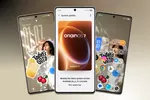
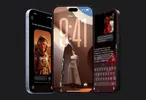
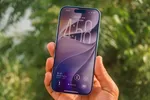
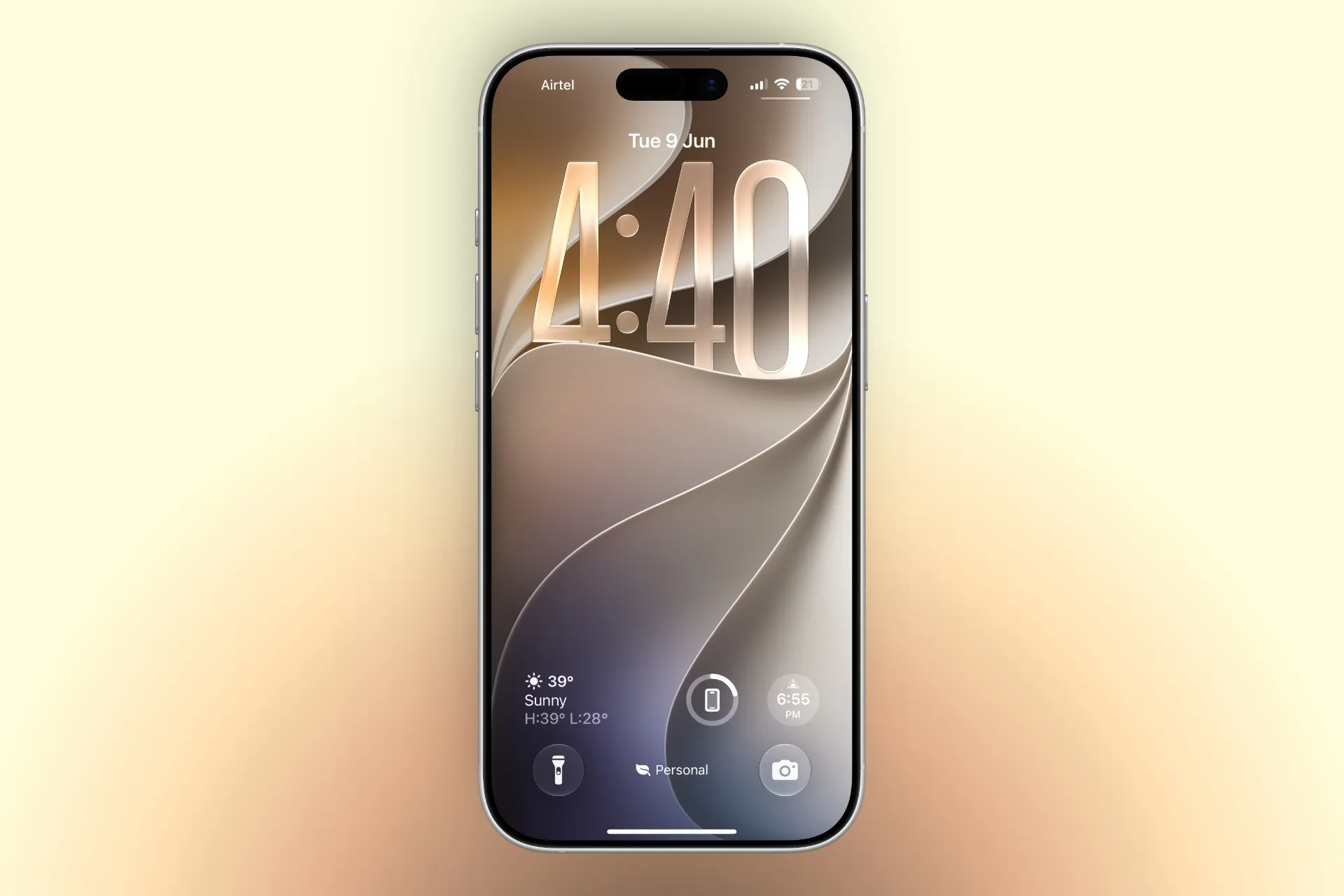
Apple has released a new official wallpaper for iOS 27 that cleverly incorporates the number 27 into the design. The wallpaper is minimalist and modern, featuring a smooth gradient background with soft, flowing abstract shapes. 

At first glance, it looks like a simple elegant design, but if you look carefully, the digits “2” and “7” are subtly woven into the pattern. This style is similar to how Apple has hidden Easter eggs or version numbers in past wallpapers.

ALSO READ: iOS 27’s Most Important Features Aren’t About AI. They Make Your iPhone Faster

The wallpaper is available in both light and dark modes, and it looks particularly striking on the always-on display of newer iPhones. It works beautifully as both a home screen and lock screen background.

How to Download and Set the iOS 27 Wallpaper

You can download the wallpaper through the link below or through the Settings app once iOS 27 is installed.

To set it up:

  1. Download the image.
  2. Open the Photos app.
  3. Open the image > tap Share > Use as Wallpaper.
  4. Adjust the perspective zoom if needed and tap Add.

ALSO READ: Siri AI Explained: What Is It And What It Can Do?

You can follow Smartprix on TwitterFacebookInstagram, and Google News. Visit smartprix.com for the latest tech and auto newsreviews, and guides.

Mehtab AnsariMehtab Ansari
Mehtab Ansari is the Assistant Editor – Features & Reviews at Smartprix, where he writes about smartphones, laptops, audio gear, and everything in between. A computer science student by degree but a tech nerd by heart, he’s been into consumer tech for years and started reviewing products professionally in February 2024. He’s especially into photography and audio, often spending more time testing a smartphone’s camera than he probably should. For him, tech isn’t just work, it’s what he’s always thinking about.

Expertise 

Smartphones, laptops, tablets, monitors, smartwatches, photography, and audio gear. I’ve reviewed over 60 products across these categories on Smartprix in the past year and a half.

Education - Bachelor of Computer Applications – Nizam College, Hyderabad (2022–2025) | Joined Smartprix -February 2024 | Published Reviews & Stories - 723

Related Articles

ImageSamsung Big Bespoke AI Fest: Up To ₹19,470 Cashback On Appliances Through August 15, 2026

Samsung has kicked off its Big Bespoke AI Fest in India ahead of Independence Day on August 15, 2026. As part of the sale event, the company is bundling cashback, extended warranty, and financing perks across its home appliance lineup. Here’s everything you need to know about the Bespoke AI Fest, what products the offers …

ImageiOS 27 Beta 3 Released: Here’s Everything New

Apple released iOS 27 Beta 3 to developers on July 6, 2026 (build 24A5380h). This update brings several visual refinements, Siri improvements, and smaller quality-of-life changes. Here’s a breakdown of what’s new in iOS 27 Beta 3: 1. New Siri listening animation Siri now shows a more colorful reflective orb effect while listening, enhancing the …

ImageiOS 27 Public Beta 2 Is Here: What’s New and How to Install It

Apple pushed out iOS 27 public beta 2 today, and for once the public build isn’t lagging behind. It’s carrying the exact same build as developer beta 4, which shipped to registered developers just days earlier. Apple’s narrowing that release window this year. Public testers used to wait longer for developer beta fixes to trickle …

ImageiOS 27 Public Beta Available Now: Should You Install It?

Apple has just pushed out the iOS 27 public beta, and if you’ve been waiting to try Siri AI without signing up for a developer account, this is your moment. The beta arrived a few weeks after the developer version, and reports so far are calling it one of the most stable first-round betas Apple …

ImageiOS 27 Hands-On (First Impressions After 36 Hours): This Is What iOS 26 Should Have Been

I’ve been using iOS 26 since the very first day on my iPhone 17. I went through every update, eventually landing on iOS 26.5.1, which was supposed to be the polished stable release. Then WWDC 2026 happened, Apple released the first iOS 27 developer beta, and I installed it almost immediately. The funny thing is …

Discuss

Be the first to leave a comment.

Related Products