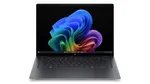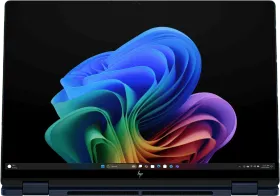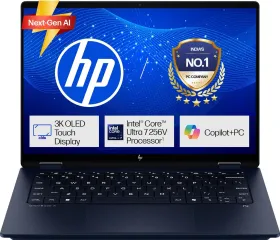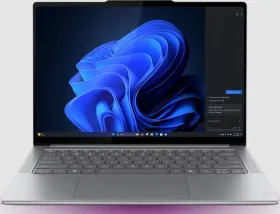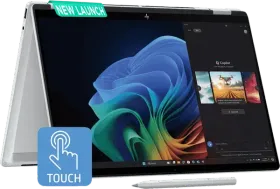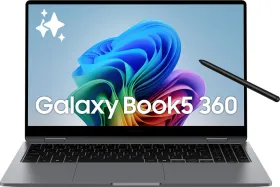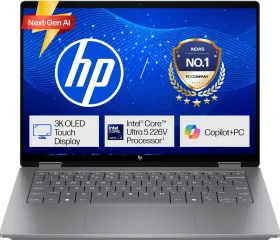
From online classes to assignments and presentations, students need a laptop that can handle everyday academic tasks. The new HP OmniBook 5 AI PC combines a lightweight design, an OLED display, support for AI-assisted workflows and a claimed battery life of up to 42 hours local video playback battery life*, alongside multiple RAM, storage and colour options. But does the new HP OmniBook 5 AI PC offer the right mix of performance, portability and battery life for students who need to work on and off campus?
New HP OmniBook 5 AI PC specifications
| Specification | Details |
| Processor | Intel Core 5 320, up to 4.6GHz |
| RAM | 8GB / 16GB |
| Storage | 512GB PCIe Gen4 NVMe M.2 SSD |
| Display | 14-inch 2 cinematic OLED, 1920 x 1200 resolution |
| Graphics | Intel Graphics |
| Battery | 60Wh, with fast charging |
| Weight | 1.16kg |
| Operating system | Windows 11 Home Single Language |
| Wireless connectivity | Wi-Fi 6E, Bluetooth 5.3 |
| Camera | 1080p FHD IR camera |
| Colours | Soft Honeydew, Peony Pink, Starlit Blue, Smoke Silver |
AI tools for everyday academic work
AI tools now show up in everyday academic work, from research to organizing notes before exams. The OmniBook 5 runs compatible AI apps to help with these tasks. What you get depends on the software you choose.
If I’m pulling together a presentation from different online sources, I can use an AI tool to summarize material, spot key themes, and draft an outline. I still need to check the facts and add my own analysis.
The same tools help with exam prep. I can organize notes by topic, generate practice questions, or get help explaining a tough concept. Sometimes I use AI to brainstorm before I dive into textbooks or research papers.
For everything else, the laptop runs Windows 11 Home Single Language. It includes Microsoft Office Home 2024, plus a year of Microsoft 365 Basic. That covers reports, presentations, spreadsheets, and group projects, all on one device.
A lightweight laptop for campus life
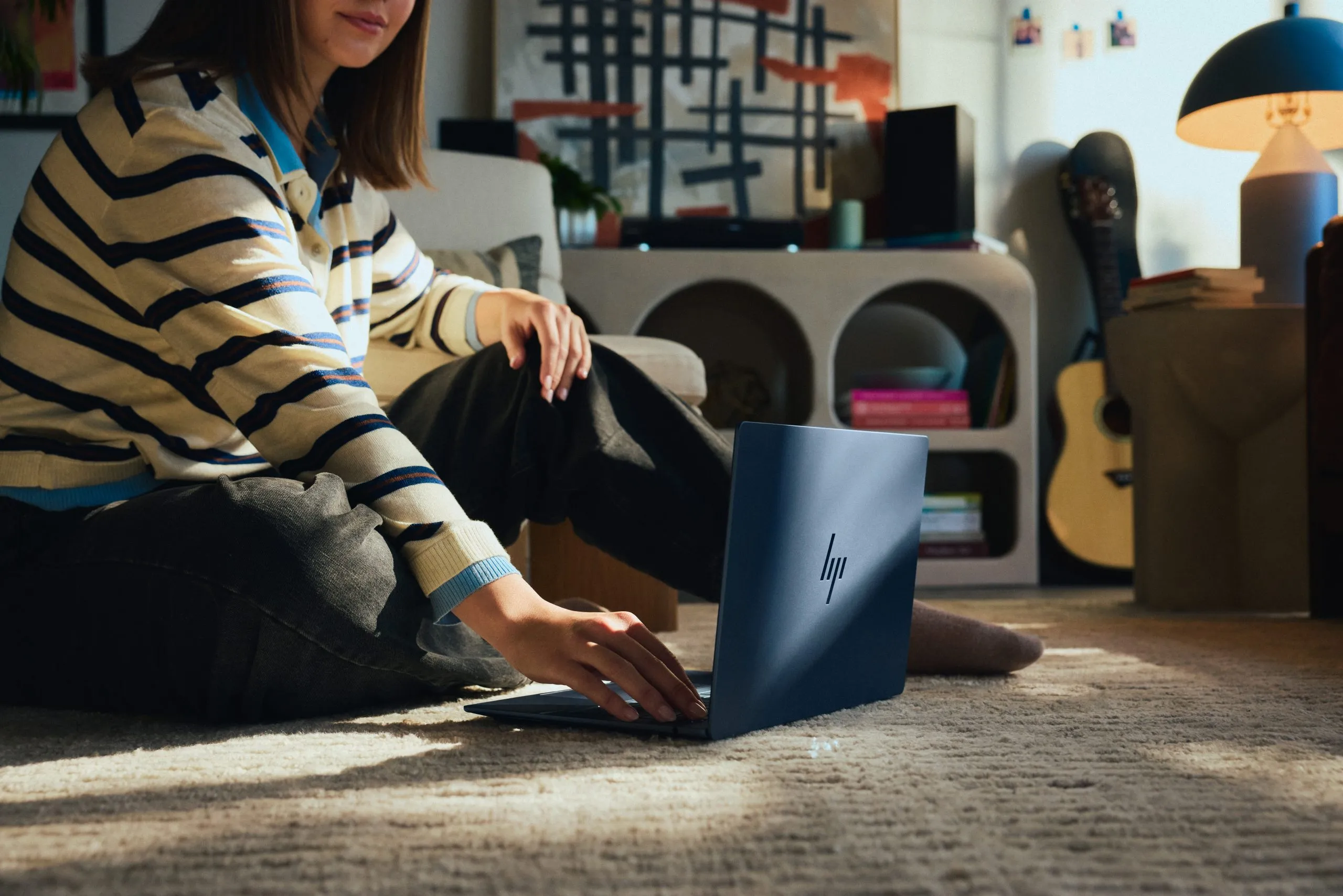
A laptop needs to do more than just offer a good processor or display. I carry mine from lectures to the library and group meetings, usually with textbooks and stationery. At 1.16kg, the 14-inch OmniBook 5 fits that routine. It’s light enough to carry all day and compact enough for a crowded library table, a cafeteria seat, or a small hostel desk.

You can get it in four colors: Soft Honeydew, Peony Pink, Starlit Blue, and Smoke Silver. It comes in 8GB and 16GB RAM versions. Students can explore the new HP Omnibook 5 AI PC range starts at ₹79,999/- with exciting offers. Book online or at any laptop store near you.
Display for reading, research and entertainment
Students spend most of their screen time reading digital textbooks, lecture slides, and assignments. That makes the display more important than it is for casual use. The HP OmniBook 5 uses a 14-inch cinematic OLED panel (1920 x 1200, 16:10) with 100% DCI-P3 color gamut.

The 16:10 aspect ratio lets me see more of a document or spreadsheet before I have to scroll. It’s also handy for reviewing slides or reference material side by side, without an external monitor.
The OLED panel’s color coverage also helps students working with photos or graphics, though the integrated Intel Graphics means anyone running demanding 3D or creative software should check system requirements first. Corning Gorilla Glass 3 and a Low Blue Light mode round out the screen, useful for long reading sessions.
For video calls and online classes, you get a 1080p FHD IR camera with HDR auto switch and dual-array microphones. Dual speakers with Poly Studio and DTS Ultra support handle lectures and entertainment. I still reach for headphones in shared study spaces.
Performance for assignments and projects
A student laptop has to juggle a lot at once. I keep browser tabs open for research, a document for writing, a PDF for reference, and a messaging app running in the background. The OmniBook 5 uses an Intel Core 5 320 (six cores, six threads, up to 4.6GHz with Turbo Boost), integrated Intel Graphics, and a 512GB PCIe Gen4 NVMe SSD.

That’s enough local storage for assignments, reading material, and project files sorted by subject or semester.
It’s worth thinking about 8GB versus 16GB RAM before you buy. 8GB handles routine browsing, document editing, and online classes. 16GB makes sense if you keep lots of tabs open or use heavier software like Photoshop or Premiere Pro for media courses.
Those tools have their own hardware requirements, so check them first. The integrated graphics work for everyday display tasks but aren’t built for serious 3D work, gaming, or rendering.
Connectivity is solid for a compact laptop. You get two USB-C ports (up to 10Gbps, USB Power Delivery 3.1, DisplayPort 2.1), an HDMI 1.4b port, a combined headphone and mic jack, Wi-Fi 6E, and Bluetooth 5.3. That’s enough to connect an external display for presentations or move between campus and home networks without extra dongles.
Battery life for long study sessions and video playback
The 60Wh battery claims up to 42 hours local video playback battery life*. That number comes from test conditions, not a typical day of mixed use. It matters most if you watch a lot of recorded lectures or instructional videos.

You can get through long viewing sessions without recharging every time. Writing, multitasking, video calls, and AI tools use more power than video playback, so real battery life will be much lower.
Fast charging gets the battery to about 50% in 30 minutes under HP’s test conditions, using the included 65W USB-C Mini GaN charger. That’s enough for a quick top-up between classes, not a full recharge.
Should students consider the new HP OmniBook 5 AI PC?
The new HP OmniBook 5 AI PC combines a 1.16kg build, a 14-inch cinematic OLED display, an Intel Core 5 320 processor, and a 512GB SSD. That mix of portability and everyday computing fits students who attend classes, research assignments, and work between campus and home.

AI app support helps organize information and handle routine academic tasks. Microsoft Office Home 2024 covers documents, spreadsheets, and presentations.
The up to 42 hours local video playback battery life* claim is strong if you watch a lot of recorded lectures, but it won’t match real mixed-use days.
Pick 8GB RAM for basic coursework. Go for 16GB if you need heavier multitasking or media-editing apps. Think about the limits of integrated graphics if you have advanced creative or gaming needs.
If you care most about portability, display quality, and all-day use, the HP OmniBook 5 AI PC is worth a look. The right choice depends on the RAM that fits your workload.
Buy now: The new HP Omnibook 5 AI PC range starts at ₹79,999/- with exciting offers. Book online or at any laptop store near you.
*Battery life tested by HP using continuous FHD video playback, 1080p (1920×1080) resolution, 200 nits brightness, system audio level as image default, player audio level at 100%, played full-screen from local storage, headphone attached or through speaker (if no audio jack port), wireless on but not connected. Actual battery life will vary depending on configuration and maximum capacity will naturally decrease with time and usage.
Disclaimer: This is a brand story, so views and opinions expressed here are of the sponsor and not of the editorial team.