Water damage: What to do when your phone gets wet?

Main Image
  • Like
  • Comment
  • Share

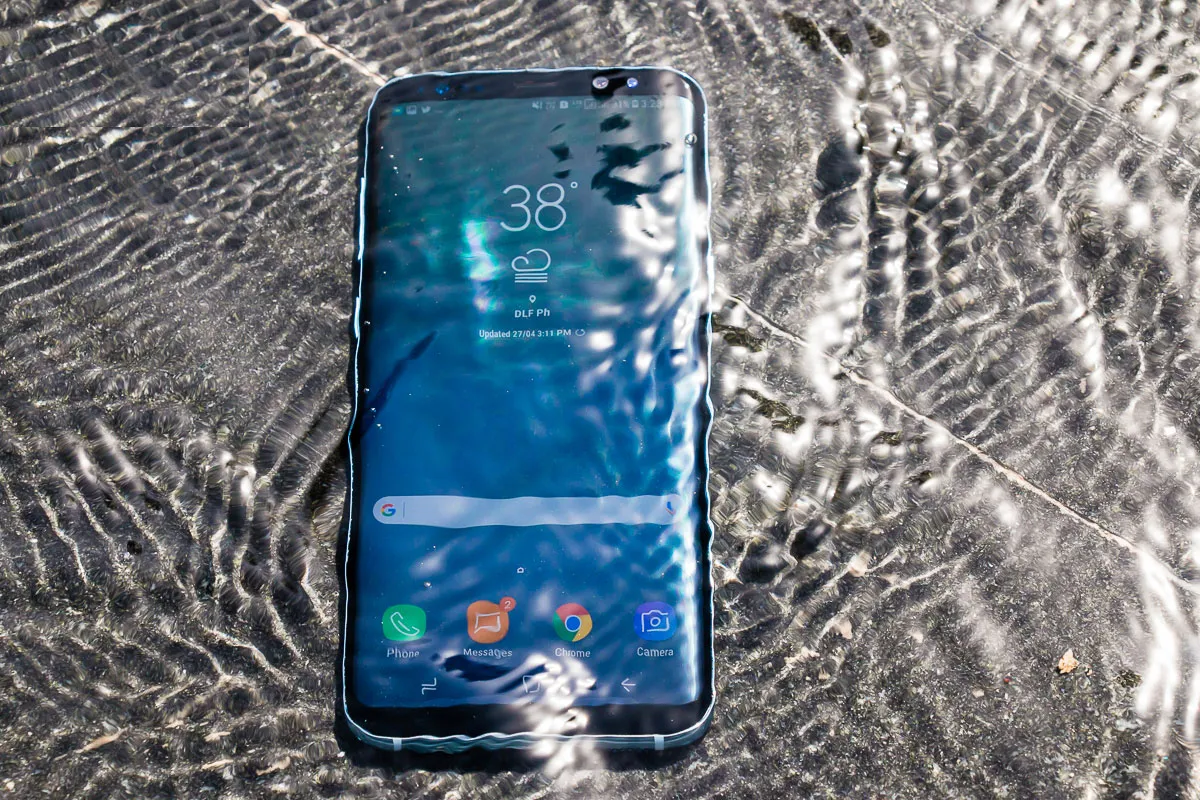
Losing a phone to water damage is really disheartening. Water-resistant ratings are still exclusive to high-end smartphones, but even if you have an IP rated phone, water damage isn’t covered under warranty. Besides, any drop resulting in even slight bend or bump in the side frame renders the water-resistance null and void. 

So, what should you do when your phone gets wet? Well, we have been in such situations more than once and can assure you that there are good chances that you will get out of it just fine.  

TL;DR: Keep your phone switched off for a couple of days and bury it in a rice jar

What to do when you drop your phone in water?

As soon as your phone gets wet, here’s what you need to do: 

1. Towel-dry your phone; Remove cover

The first obvious step should be to remove the protective case or cover and to towel dry your phone. Wipe it with a dry cloth in a thorough manner. If your phone is water-resistant and if the spillage was minimal, this might be all that you need to do.

Also Read: How to Reverse Tether PC Internet To Android Phone (Without Root)

2. Switch it off and stay away from the charger

The second step is extremely important. You need to switch your phone off as soon as possible. To abruptly do away with your phone can feel very unsettling, but this is not an overreaction – you need to switch it off.

Even if your phone seems to be working fine after the towel-dry, water damage might unexpectedly creep in even after a couple of days of usage or when you next plug it in for charging. Symptoms like phantom touches are also portents of upcoming doom.

So, switch your phone off and look for a secondary phone to use for the next couple of days ( at least)

3. Bury your phone in rice

Dry rice works! In fact, soaking your phone in rice can even absorb water from under the camera cover glass and numerous other places where you can’t get to. So, keep your phone immersed in a rice jar and you may then keep the jar out in the sun for at least 2 to 3 days.

Do not use a hairdryer to blow it dry; the heat may cause further damage.

Also Read: How to do an Incognito Search directly from Google Bar on your phone home screen

Repair guys will know

If that doesn’t work, you will have to take your phone to the service center for repair. Phones have liquid contact indicators (LCI) which are small white stickers that change colors when they come in contact with water or any other liquid.

You won’t be able to hide water damage or get free under-warranty repairs. 

Deepak SinghDeepak Singh
Deepak Singh is a technology journalist and editor with over 13 years of experience covering consumer electronics. A computer engineering graduate, he has developed deep expertise in chipsets, displays, and hardware performance.

Over the past decade, Deepak has reviewed more than 700 products, including smartphones, laptops, TVs, and audio gear. He currently leads the editorial team at Smartprix, focusing on accurate, useful, and hands-on tech reporting.

When he’s not testing new devices, Deepak enjoys reading and spending time with his family.

Related Articles

ImageNothing Phone (4b) Launched in India: Check Pricing and Specifications

Nothing has officially launched the Phone (4b) in India as its latest mid-range smartphone. The new model brings a refreshed design, a larger battery for India, Essential AI features, and the company’s new Glyph Bar interface. Alongside the standard variants, Nothing also revealed a limited-edition Phone (4b) RCB Edition with Royal Challengers Bengaluru branding. Nothing …

ImageDoes inserting SIM ejector tool in Mic hole damage water resistance or the mic?

For phones that place SIM tray at the top or at the bottom, it’s likely for users to stab the microphone hole or the secondary microphone instead of the SIM tray hole using the ejector tool. A simple google search reveals that the phenomenon is actually pretty common. If you are reading this, its highly …

ImageFuture Apple iPhones may allow users to type in rain: Read on to know more

Tech giant Apple is always striving to bring new innovations to its devices. The latest we hear is that the US Patent and Trademark Office has granted another patent to Apple. The patent is called “Modifying functionality of an electronic device during a moisture exposure event,” which basically means that users will be able to …

ImageiQOO 15R Review: The Gaming Phone to Get Under Rs. 47K?

The iQOO 15R brings a substantial shift in the company’s lineup. Earlier, this position in the series was held by the Neo models. This year iQOO has introduced the R branding alongside the main iQOO 15, presenting it as a more accessible companion while keeping the core philosophy of the series intact. At first glance, …

ImageGalaxy S27 Pro and S27 Ultra Could Get a New 16MP Square Selfie Camera

Samsung could finally be planning an upgrade for the front camera on its flagship phones. According to reliable tipster Ice Universe, the Galaxy S27 Pro and Galaxy S27 Ultra will feature a brand-new 16MP square selfie sensor, replacing the 12MP camera Samsung has used across several recent Galaxy S models. The leak also mentions that …

Discuss

Be the first to leave a comment.