TL; DR
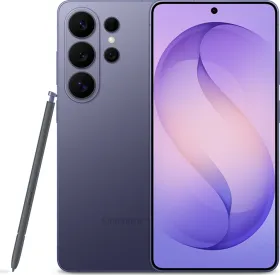
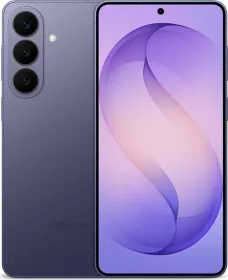
- Samsung has rolled out AirDrop compatibility via Quick Share globally for the Galaxy S26 series.
- The feature is now live in India, the US, and other regions.
- It enables direct file sharing between Galaxy phones and Apple devices without third-party apps.
Samsung’s Quick Share update with AirDrop compatibility is now fully rolled out globally for the Galaxy S26 lineup, including the S26, S26+, and S26 Ultra. The rollout, which began in South Korea on March 23, has now reached India, the US, and other major regions.
This means users no longer have to wait for region-wise availability. The feature is now accessible through a standard software update on supported devices (S26 series).
With the update installed, Quick Share now includes support for sharing files with Apple devices. Users can send and receive files between Galaxy phones and iPhones, iPads, and Macs directly.
ALSO READ: Samsung Galaxy S26 Ultra Review: The Smartest Android, But at What Cost?
The process stays within the Quick Share interface and does not require any additional apps. Transfers happen locally between devices, similar to how AirDrop works within Apple’s ecosystem.
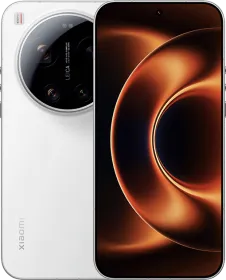
Samsung has also confirmed that more Galaxy devices will receive this feature later, though exact details are still pending. OPPO is also preparing to bring the same functionality to its Find X9 series.
ALSO READ: Samsung Winds Down TriFold Sales, Apple Quietly Accelerates Its Foldable Plans
For both iPhone and Android users, this update removes one of the biggest limitations when sharing files across ecosystems. Photos, videos, and documents can now be transferred directly without relying on cloud services or third-party apps. If you’re using a Galaxy S26 series device, the feature should already be available through the latest software update.
ALSO READ: OPPO Find X9 Series to Get AirDrop Compatibility via Quick Share Update

You can follow Smartprix on Twitter, Facebook, Instagram, and Google News. Visit smartprix.com for the latest tech and auto news, reviews, and guides.