


TL; DR
Send “Hi” to the official number +91 8796441800 (or scan the QR code) and select your preferred language to access services. After OTP verification using your UAN-registered mobile number, you can check PF balance, view recent transactions, download the passbook, or get PMVBRY guidance. Use only the verified EPFO account; the service never asks for passwords, Aadhaar, or bank details, though it may currently require multiple verifications and patience.
If you’re fed up with the unnecessarily long process of checking your PF balance, the Employees’ Provident Fund Organisation (EPFO) has launched a specialized service for you. The organization has added WhatsApp to the process.
The new WhatsApp-based service, launched on November 1, 2026, now lets you check important details like your PF balance and last five transactions directly via WhatsApp, without logging into the EPFO portal or visiting an office.
Also Read: Nothing OS 5.0 Reaches Phone (3a) and Phone (4a) Series: What’s New?
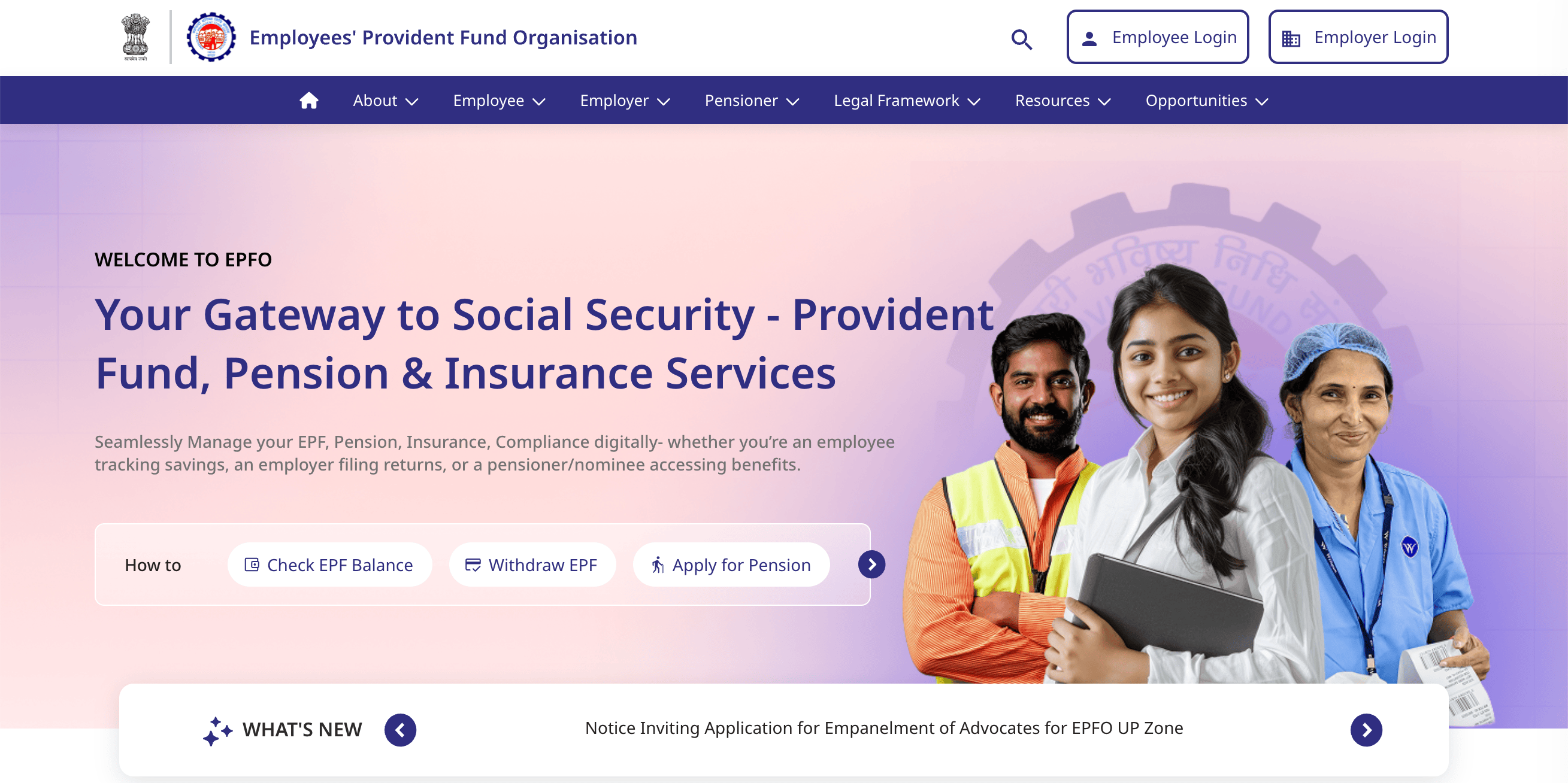
EPFO WhatsApp-based Service: Things To Know
Before I share the step-by-step instructions to check your EPFO details via WhatsApp, here are a few important things to keep in mind.
First, use the same mobile number that is registered with your UAN. This ensures a smooth verification process (the tool sends you an OTP for verification). Also, EPFO will never ask for your UAN password, Aadhaar card number, bank details, or any other sensitive information. Keep that in mind.
Also Read: Apple’s 2027 Roadmap: OLED iPad Air and New Touchscreen MacBook Pro With M7 Pro/Max Chips
EPFO WhatsApp-based Service: Step-by-Step Guide
- Open WhatsApp on your phone.
- Search for or save the number +91 8796441800.
- Start a chat and send a simple message: “Hi” (or “Hello”).

- Select your preferred language when prompted (English, Hindi, etc.).
- Choose the service you want from the menu:
- Check PF Balance
- View last 5 transactions
- Download Passbook
- PMVBRY assistance (personalized guidance)
- Complete the OTP verification using the mobile number registered with your UAN.
- Select your PF account (if you have multiple) and view the details.

Alternative method: Scan the official QR code shared by EPFO on its X (Twitter) account or official channels to open the chat directly.
Also Read: Sonos Play Review: A Portable Speaker With a Surround Trick
I used the service myself to arrange the screenshots attached above. While it gets the job done, it could definitely use some refinement or polish. The service asked me to verify three times in total, with two different OTPs. Further, it also asks me to select options from the same menu multiple times.
You should be a bit patient while using the tool, is what I’ll say at this point.

You can follow Smartprix on Twitter, Facebook, Instagram, and Google News. Visit smartprix.com for the latest tech and auto news, reviews, and guides.