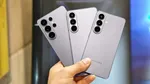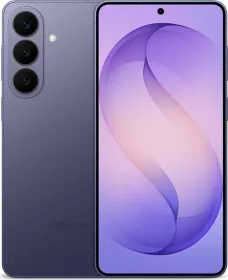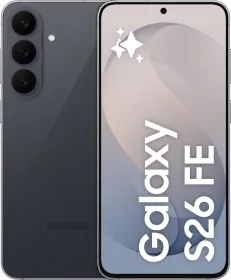
Samsung continues to push Galaxy AI across its flagship phones, and the Galaxy S26 series takes a noticeable step forward. The company added several new tools that focus on real daily use. Many of them work quietly in the background and respond to what you are doing on the screen.
The new Galaxy AI features are said to feel more integrated into the phone instead of sitting like separate apps. Below is a full breakdown of the new additions to Galaxy AI on the Galaxy S26 series. Let’s dive right in.
1. Now Nudge
Now Nudge is one of the most interesting additions this year. The feature looks at what is happening on your screen and suggests actions that might save time.

The system reads context across apps such as messages, email, photos, and other everyday tasks. The idea is simple. If the phone understands what you are doing, it can suggest the next step before you even search for it.
Example situations make the feature easier to understand. Imagine a friend texting you about dinner plans. The phone recognizes the time and location mentioned in the chat. Now Nudge quietly suggests adding the event to your calendar.
Another situation could involve photos. If someone sends pictures in a group chat, the phone may suggest sharing them with others or saving them to a specific album.
Email also works with this system. A flight confirmation in Gmail can trigger a suggestion to add travel details to your calendar or share the itinerary. The feature reduces the need to jump between apps and manually copy information.
2. Improved Photo Assist
Samsung continues to expand Photo Assist. Earlier versions focused mainly on removing objects. The new system feels closer to a creative editing tool.
You can move people or objects around in an image, add new elements, or adjust lighting conditions. AI can extend backgrounds, rebuild missing areas, and correct shadows.

A prompt based editing option also appears this year. You can describe what you want changed in the photo. For example, typing a short instruction like removing the people in the background will do everything automatically for you.
ALSO READ: Samsung Galaxy S26 Series Launches with Privacy Display, Galaxy AI, and Pro Video Upgrades
3. Creative Studio
Creative Studio builds on Samsung’s push toward generative tools. The app converts photos into stickers, graphics, and reusable assets. Users can quickly generate visuals for messages, social posts, or edits without using third party apps.

Someone editing travel photos could turn a landmark image into a sticker. A selfie could become a stylized graphic. It is a simple idea yet useful for people who frequently share content.
4. AI Call Screening
Spam calls remain a constant problem. Samsung added a system that answers unknown numbers using AI.
The assistant listens to the caller, converts the conversation into text, and shows it on the screen. The user can then decide whether to answer, ignore, or block the call. Important calls still reach you while spam gets filtered out naturally.
5. Smarter Bixby
Yes, Samsung didn’t forget Bixby. It receives a major update this year. The assistant now behaves more like a conversational guide for the phone itself. You can ask questions about features or request help adjusting settings.
Someone feeling eye strain could ask for help and the assistant may suggest turning on Eye Comfort Shield. The phone can guide the user directly to the setting. The focus sits on device assistance rather than general web questions.
6. Audio Eraser Expansion
Samsung expanded Audio Eraser beyond the gallery. The tool removes background noise from videos and audio clips. The difference this year is that it works with content shared through other apps.
Videos posted on social platforms such as Instagram or YouTube can benefit from the feature. Voices remain clear while traffic noise, wind, or crowd sounds fade. Audiences of creators who record quick clips on their phone may find this useful.
7. Privacy Alerts
Privacy Alerts give users more control over their data. The phone warns you when third party apps attempt to access sensitive information. Users can block access or remove the app entirely. This runs quietly in the background and surfaces alerts when needed.
8. Quick Share and Cross Platform Sharing
Not really a Galaxy AI feature, but Samsung also improved Quick Share. The system now supports compatibility with AirDrop style transfers. This was first seen on the Pixel 10 series and is now making its way to other Android phones starting with the S26 series.
Files can move between Galaxy phones, iPhones, iPads, and even Macs more easily. This reduces one of the long standing barriers between Android and Apple devices. Large photos, videos, or documents transfer with minimal setup.
9. Notification Summaries
Galaxy AI will also be able to summarize your notifications and prioritize them based on your usage patterns. This feature sounds very similar to what Apple introduced a couple of years ago with Apple Intelligence.
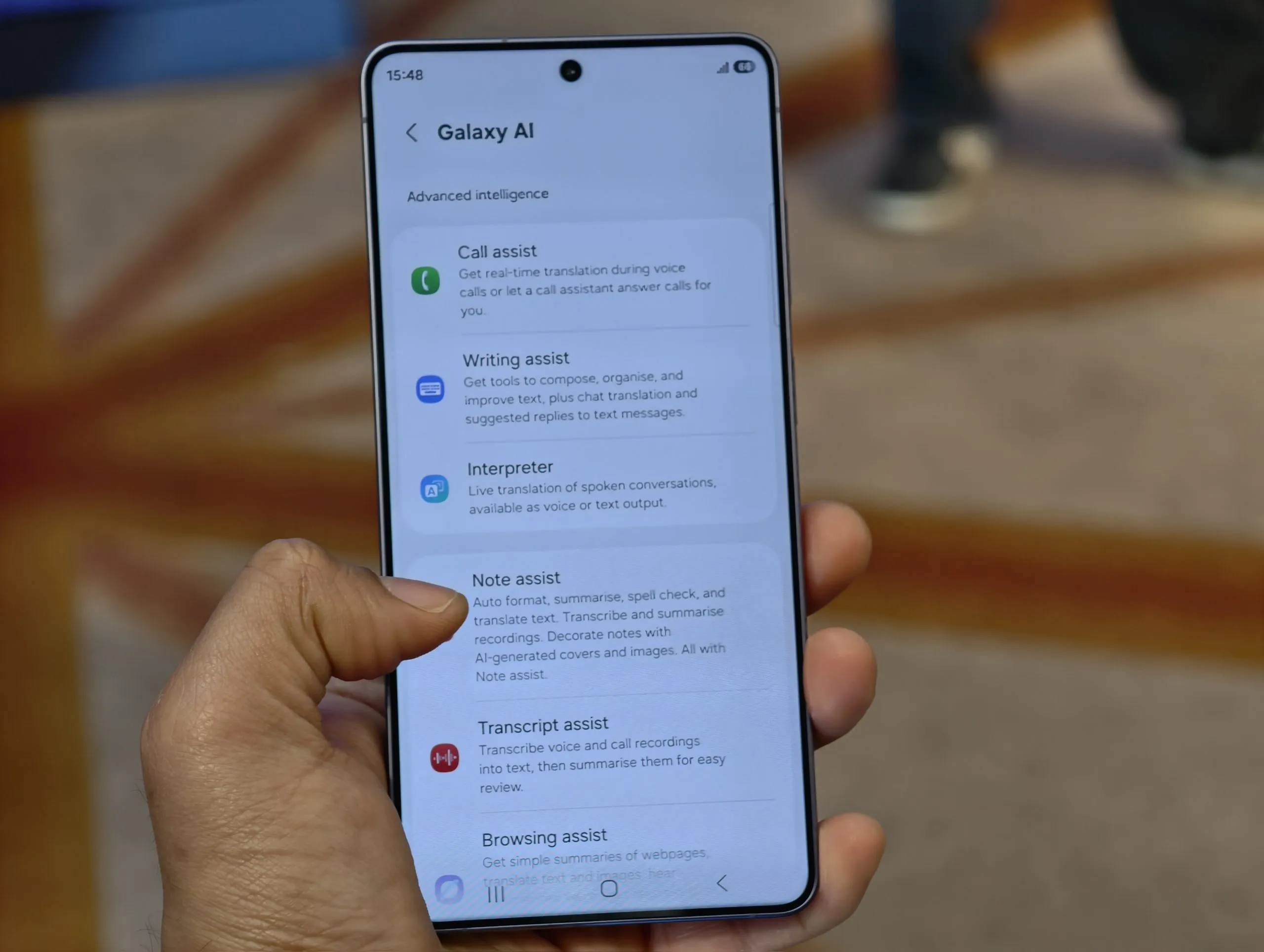
10. Existing Galaxy AI Features Still Available
Along with the new additions, Samsung keeps several Galaxy AI tools that users may already recognize. The phone still includes Call Assist, Writing Assist, Interpreter, Note Assist, Transcript Assist, Browsing Assist, Drawing Assist, Weather Wallpaper, Now Brief, and Health Assist.
Final Thoughts
Galaxy AI on the Galaxy S26 Ultra feels more mature than earlier versions. The new tools focus on everyday convenience rather than novelty. Features such as Now Nudge reduce friction while editing tools and call screening expand what the phone can do on its own.
Samsung continues to build an ecosystem where the phone anticipates small tasks before users even search for them. Samsung has kept refining these features, and Galaxy AI has become one of the defining parts of the Galaxy experience.

You can follow Smartprix on Twitter, Facebook, Instagram, and Google News. Visit smartprix.com for the latest tech and auto news, reviews, and guides.