



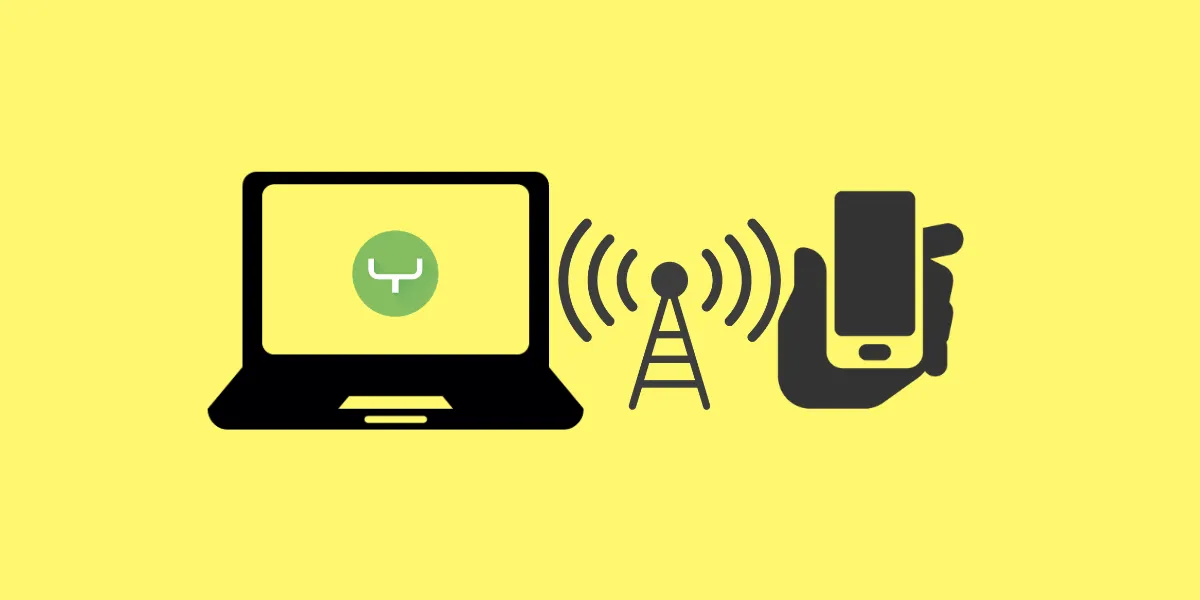
Have you come across a situation when your desktop computer has an internet connection that you want to share with your phone? If yes, here is a solution for you. The process is called Reverse Tethering and it lets you use your PC’s internet on an Android phone.
It’s a simple and quick process, that doesn’t require root privileges. And you don’t have to spend a dime.
So, the app we are using here is called Gnirehtet, which I know sounds absurd but is just “Tethering” spelled reversely. It works on Google’s cross-platform ADB (Android Debug Bridge) software. For those of you unfamiliar, this is a software interface between your smartphone and the PC. And it is compatible with Windows, Mac, and Linux.
Now without much ado, let’s get down to the process itself.
Steps to share PC Internet with Android Phone
- As a prerequisite, download the ADB tool and gnirehtet compressed files from Android Developers and GitHub websites respectively.
- Next up, unzip both compressed files onto your PC in separate files (one for ADB and the other will be of gnirehtet).

- Enable USB debugging on your Android device from the Developer settings. You can access this hidden settings menu by tapping 7 times on Build number within the About Phone section.

- Connect your phone to a PC with a USB cable. You’ll get an ADB connection prompt on the phone. Be attentive to this and enable it.


- Transfer the gnirehtet APK into your phone and thereafter install it. The app won’t have an accessible icon on the app drawer or home screen. So, don’t fuss about it.

- Next up, run the ADB command line. For this, go to the gnirehtet folder and execute the gnirehtet.exe file. If everything else done right, you should see a stream of codes marching downwards.
ALSO READ: How to Upload Songs to YouTube Music Library

- The first time you run the executable file, you’ll get a Connection Request pop-up on your phone. Grant it.

- Once that’s done, you’ll see a VPN icon in the status bar of your phone.
- Voila! Browse the web, download stuff and do all things the internet as you wish.

- If you hover your eyes over the command line interface on the PC, you’ll see connection requests filling the window as you use the web on the phone.
ALSO READ: How to do an Incognito Search directly from Google Bar on your phone home screen
How did it go through? Tell us your experience down in the comments.
As a footnote, I’d like to inform you that this software comes from Genymobile, the developer behind scrcpy, yet another open-source screen mirroring tool that lets you see and interact with your Android phone using your computer’s display. If you are interested, check it out and let us know if you want a tutorial on that utility.












Couldn’t get it to work on my Samsung S9+, kept getting the same error; ERROR Main: Cannot start client: Command adb [“shell”, “dumpsys”, “package”, “com.genymobile.gnirehtet”] failed: The system cannot find the file specified. (os error 2). Any advice on what I might be doing wrong?
I had experienced the same issue occasionally. Turns out this error crops up when the device gets disconnected due to whatever reason. Check whether the device is detected in ADB or not.
This error indicates that the device is disconnected. Check whether it's detected in ADB or not when the error occurs.