How to set up a 2-Step Verification Gmail or Google Account

Main Image
  • Like
  • Comment
  • Share

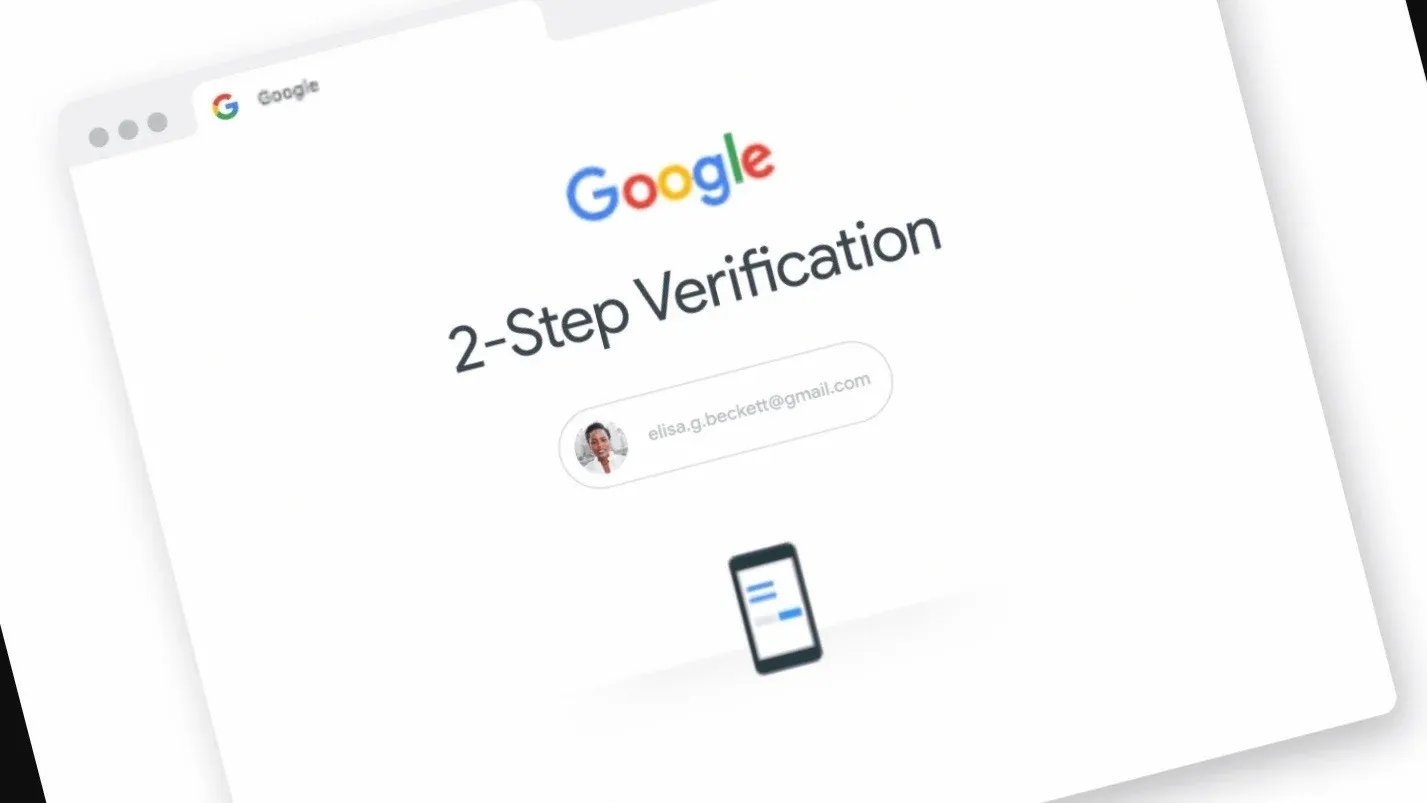
The 2-step Verification program by Google is meant to provide better security to your Google Account. For now, Google allows you to enable it yourself. Read on to know how to enable it and what exactly 2-Step Verification is.

What is 2-factor authentication?

2-Step verification or 2-factor authentication is a tool that increases the security of your account and provides an added layer of protection. When you turn on this verification, you will need to complete one more step after entering the password to verify that it is you after signing into your account. Mostly this can be physical security key codes received on phone via SMS, calls or authentication apps. You also have to keep a strong password to make sure your account is safe.

Here’s how you can set up 2-Step Verification or 2-factor authentication in your Gmail or Google Account

ALSO READ: Forgot Gmail Login Password? 5 ways to get access back to your locked Gmail account

Step 1: Open the Gmail app and click on your account and then select ‘Manage your Google Account’.

Step 2: Scroll to the right side and select ‘Security’ in the menu.

Step 3: Click on the 2-step verification option.

Step 4: On the screen, you will see a brief explanation of the feature. Click on Get Started.

Step 5: 1st option is you allow Google to send prompts to your phone asking you to approve a sign-in on another device. Tap Continue.

Step 6: Google will ask for your mobile number to help you access your account if the 1st 2FA fails. Either you can choose an OTP via call or text message. Select one of these and click on Send.

Step 7: Google will send you a code depending on what you have chosen. Enter the code and tap the Next button.

Step 8: You have completed the process of setting up 2-factor authentication on Gmail. Click on Turn on to finish the procedure.


Shivangi AgarwalShivangi Agarwal
Shivangi is a tech writer at Smartprix, where she covers consumer technology news with a focus on smartphones, wearables, laptops, and the evolving world of OTT streaming. Since joining the team in August 2021, she has written over 120 in-depth reviews, comparisons, and buying guides aimed at helping readers navigate the ever-changing tech landscape.

With a strong foundation in English literature and education, Shivangi brings clarity, insight, and a reader-first approach to every story. Her expertise lies in breaking down complex features into accessible, practical insights—whether she’s reviewing the latest smartphone or exploring trends in infotainment.

Shivangi holds a B.A. (Hons.) and M.A. in English, along with a B.Ed in English and Social Studies. She is based in Faridabad, India. You can follow her work on Smartprix or connect with her for tech-related queries.

Related Articles

ImageThese Are The Best Amazon Prime Day Deals On Air Conditioners I’d Recommend

I know it sounds odd to buy an air conditioner in July, when the worst of the summer heat has already passed in most of India. But if you’ve ever tried buying an AC in April when the mercury bar is touching 44°C and every store has a three-week waiting time, and the monsoon is …

ImageHow to recover your Gmail account with or without recovery email

Gmail is one of the most popular emailing services across the globe. A Gmail ID not just let you exchange emails, but also is a gateway to a plethora of Google services. That’s right, a Google ID which is nothing but your Gmail id lets create a youtube account, setup up your Android phone access Google …

ImageGoogle to make two-step authentication compulsory; will auto-enroll over 150 million accounts by year-end

By the end of 2021, Google will automatically enable two-step verification for 150 million accounts in its system, the company has announced. In 2FA/2SV, the app user receives a text with a one-time code from their personal device when entering the password. This code can then be used to verify their identity in order to …

ImageHow to Easily Sign Out of a Single Google Account: Step-by-Step Guide

Google offers a wide range of products and services that require a Google account to access, such as Gmail, Google Drive, Google Calendar, and YouTube. If you use multiple Google accounts, it can be challenging to sign out of just one account without signing out of all the accounts simultaneously. In this article, we will …

ImageHere’s How You Can Try Google’s New 3D Emojis Before the Official Rollout

Google recently unveiled Noto 3D, its biggest emoji redesign since Android 11 introduced the current Noto Color Emoji set in 2020. The new emojis were showcased during The Android Show ahead of Android 17 and feature fully modeled 3D designs instead of the flatter style Android users have become familiar with over the past several …

Discuss

1 Comment
HOSSAM YOUTUBER test 200
@hossam_xenulado
2 years ago

Ok

Reply