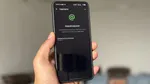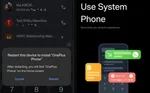
OnePlus has temporarily stopped rolling out OxygenOS 16 following reports of unexpected reboots and boot loops from users. Both the 16.0.7.XXX and 16.0.5.XXX builds have been pulled, as OnePlus engineers investigate the root cause and work toward a stable fix.
While OnePlus says only a small percentage of devices are affected, the company will keep the rollout paused until the builds meet their stability and reliability standards. There is no confirmed timeline yet for when a revised update will be released.

Which devices are affected?
This pause impacts a wide range of OnePlus models, including:
- OnePlus 15 and OnePlus 15R
- OnePlus 13, 13s, and 13R
- OnePlus 12 and 12R
- OnePlus Nord 5 and Nord CE 5
- Several other Nord and flagship models
The 16.0.5.XXX build has been in circulation for several weeks. The latest 16.0.7.XXX build, which introduces features like Live Space and a homescreen organizer, only started reaching OnePlus 15 and 13 series devices recently.
ALSO READ: vivo X200T vs. OnePlus 15R: Which Is The Best Android Phone Under Rs. 55,000?
What users are reporting
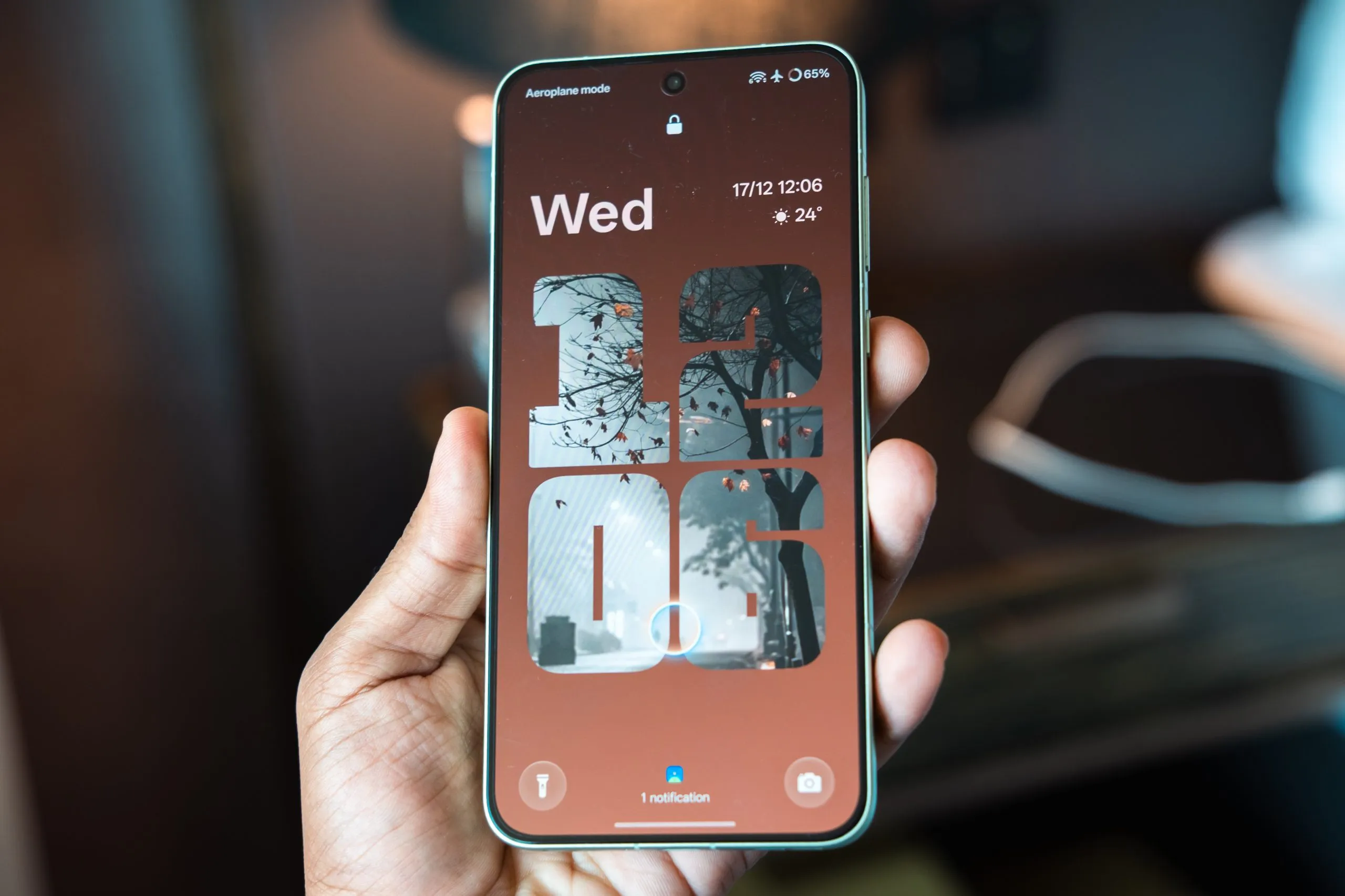
On the Community forums, a OnePlus 15 user reported that after updating to OxygenOS 16.0.5.703, their device restarted unexpectedly while idle after a gaming session. Although this was a single occurrence, OnePlus has paused the rollout as a precautionary measure. In our own testing, the OxygenOS 16 build CPH2745_16.0.7_201 on a OnePlus 15 has not shown any abnormal reboot behavior over 5 days of use. However, given the current situation, we do not recommend installing the update until OnePlus confirms a stable release.s still showing?
No. If the update still appears in your device settings, it is best to wait. OnePlus has started removing the OTA files. For instance, a OnePlus 12 unit that received CPH2573_16.0.5.702(EX01B60P01) last week no longer shows the update as available, which suggests the rollback is already in progress. Addressing critical issues is a standard approach for smartphone vendors. For OnePlus, which has built its reputation on delivering fast and reliable software, this incident highlights the importance of robust testing before release. We will provide an update once OnePlus announces a fixed build.

FAQ
1. Is my OnePlus device affected by the paused update?
If you use a OnePlus 15, 15R, 13, 13s, 13R, 12, 12R, Nord 5, or Nord CE 5, the paused builds (16.0.5.XXX and 16.0.7.XXX) were targeted for your device. Not every unit received the OTA before the rollout was stopped.
2. I have already updated, and my phone is rebooting randomly. What should I do?
Start by backing up your data if you can. Next, try booting into Safe Mode by pressing and holding the power button, then long-pressing ‘Power off’ and selecting OK. If the problem continues, contact OnePlus support or visit a service center. Consider a factory reset only as a last step.
3. When will OnePlus release a fixed update?
No specific timeline has been given. OnePlus says its engineering team is actively investigating the root cause and will resume the rollout once the builds are fully validated.
4. Can I manually downgrade to a stable older version?
OnePlus does not recommend downgrading without support guidance. Advanced users can use the official OnePlus Rollback Package if it is available for their model, but this process will erase all data. Proceed carefully.
5. Does this affect OxygenOS 15 or older versions?
No. The pause applies only to OxygenOS 16.0.5.XXX and 16.0.7.XXX updates. Older Android versions and OxygenOS 15 builds remain unaffected.
6. Will I still get future security patches?
Yes, OnePlus usually delivers security patches independently of major updates. The next feature update will likely be delayed until the reboot issue is fixed.
7. How common is this problem?
OnePlus reports that only a small percentage of users have experienced abnormal restarts or boot loops. The rollout pause is a precaution to prevent broader impact.
8. I haven’t updated yet should I disable automatic updates?
Disabling automatic updates is a good temporary step. Go to Settings, then System, then System Updates, and turn off ‘Auto-download over Wi-Fi’ until OnePlus confirms a fix.
This is an ongoing situation. We will update this post as soon as OnePlus provides more details or releases a fixed build.
You can follow Smartprix on Twitter, Facebook, Instagram, and Google News. Visit smartprix.com for the latest tech and auto news, reviews, and guides.