We have all been there: You watch one video about sourdough bread baking, and suddenly your entire Reels feed is nothing but flour and yeast for three weeks.
Until now, trying to fix irrelevant Instagram Reels meant weeks of aggressively scrolling past content or marking posts as “Not Interested,” hoping the AI would eventually take a hint. But Instagram is finally giving users a manual override button.
The company is rolling out a new tool called the Instagram Your Algorithm feature, a control panel that reveals exactly why you are seeing specific videos and gives you sliders to turn those topics up or down instantly.
Why this is a big deal
Algorithms are usually “black boxes”, we don’t know how they work. This feature peels back the curtain. It shows you the specific tags and topics Instagram thinks you like based on your watch time and clicks.
If the app thinks you are obsessed with “Golf” just because you watched one Tiger Woods clip, you can now tell it, “No, stop showing me this,” and the change happens immediately.
How to reset Instagram Reels algorithm (Step-by-Step)
If you are in a region where the update is live (currently rolling out in the US, with global markets to follow), here is how to access the controls:
- Find the Heart Icon
Open your Reels tab. Look for a new icon in the top right corner (it looks like two sliders with hearts).
- Audit your “Interests”
Clicking that icon opens a list of topics Instagram has assigned to you. Be prepared for some surprises—the algorithm often misinterprets “hate-watching” as genuine interest.
- Use the Sliders
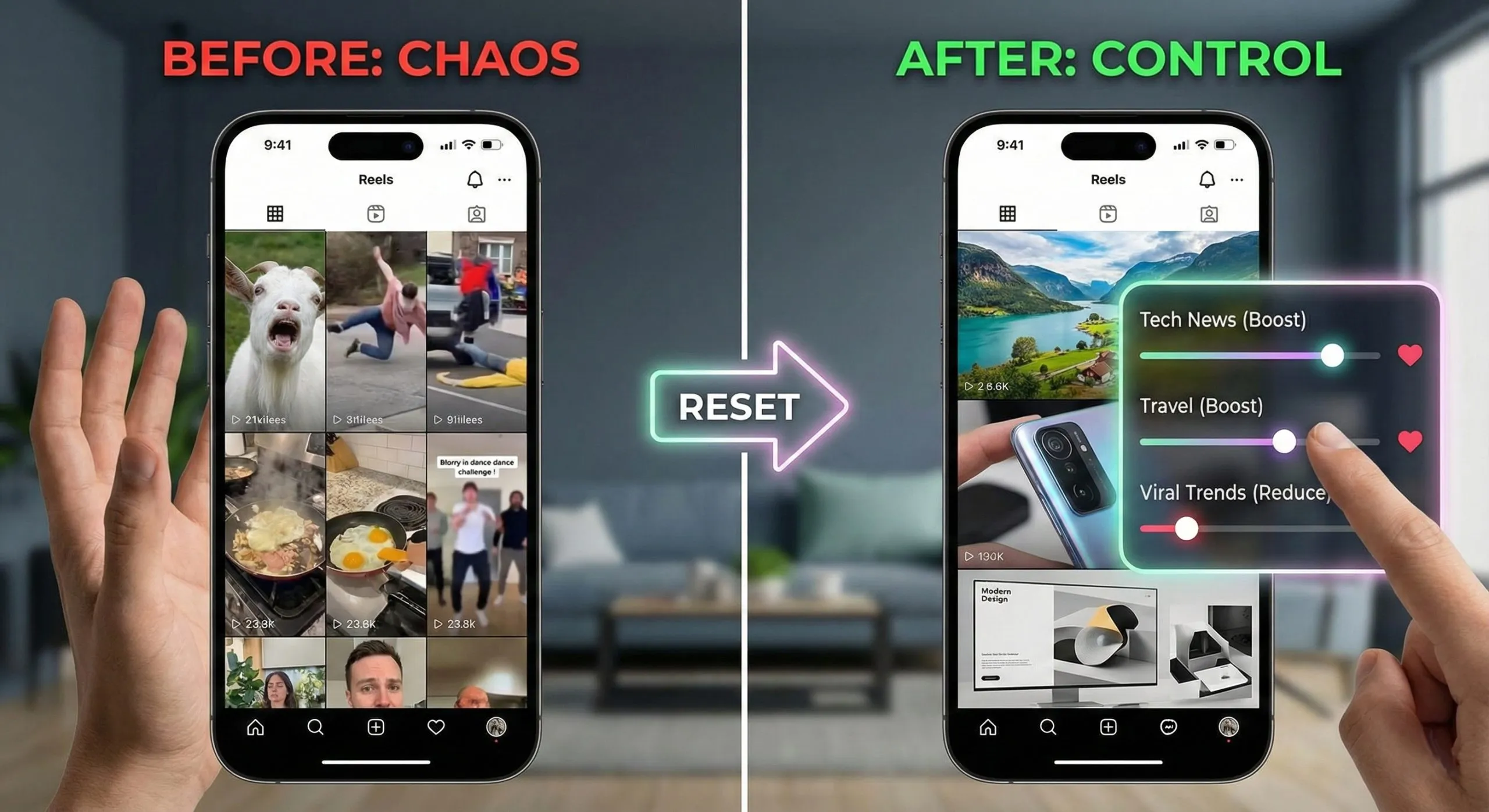
You will see options to “See More” or “See Less” for every category. Too many dance trends? Hit “See Less.”Want more tech news? Hit “See More.”
- The “Reset” Effect
Unlike the old method of training the algorithm, this change is instant. When you go back to your feed, the topics you downgraded should be gone (or significantly reduced).
A shift in how we change Instagram recommendations 2025
This update marks a major turning point for social media. For years, apps have tried to guess what we want. Now, they are finally asking us.
Instagram says this control panel is just the start. Similar controls are coming to the Explore page soon, making it easier than ever to curate a digital space that actually reflects your current interests, not your past clicks.

Frequently Asked Questions about Instagram’s New Algorithm Tool
Q: How do I reset my Instagram Reels algorithm in 2025?
A: With the new “Your Algorithm” update, you don’t need to clear your cache. simply open the Reels tab, tap the icon with two sliders in the top right corner, and view your “Interests.” From there, you can use sliders to manually “boost” or “reduce” specific topics instantly.
Q: Why am I seeing random or irrelevant Reels on my feed?
A: Instagram’s AI often misinterprets your behavior. If you watched a video for too long (even by accident) or stopped scrolling to read a comment, the app assumes you liked the topic. The new Your Algorithm dashboard allows you to see exactly which signals caused these recommendations and delete them.
Q: Is the “Your Algorithm” feature available in India?
A: The feature is currently rolling out in the US and will expand to English-speaking global markets (including India, the UK, and Canada) very soon. If you don’t see the icon yet, ensure your app is updated to the latest version; it is a server-side update.
Q: Can I stop seeing specific topics like “dancing” or “gym” on Reels?
A: Yes. Instead of just clicking “Not Interested” on individual videos, you can now go to the Your Algorithm control panel. Find the specific category (e.g., “Fitness” or “Viral Trends”) in your interest list and set the slider to “See Less.”
Q: Will this fix my Instagram Explore page too?
A: Not yet. Currently, the “Your Algorithm” controls only apply to the Reels tab. However, Instagram has confirmed that similar manual controls will be coming to the Explore page and main Feed in future updates to give users total control.
You can follow Smartprix on Twitter, Facebook, Instagram, and Google News. Visit smartprix.com for the latest tech and auto news, reviews, and guides.