TL; DR
- Samsung’s latest Home Up update adds 36 customizable screenshot gestures.
- Users can now trigger screenshots using two, three, four, or even five-finger gestures.
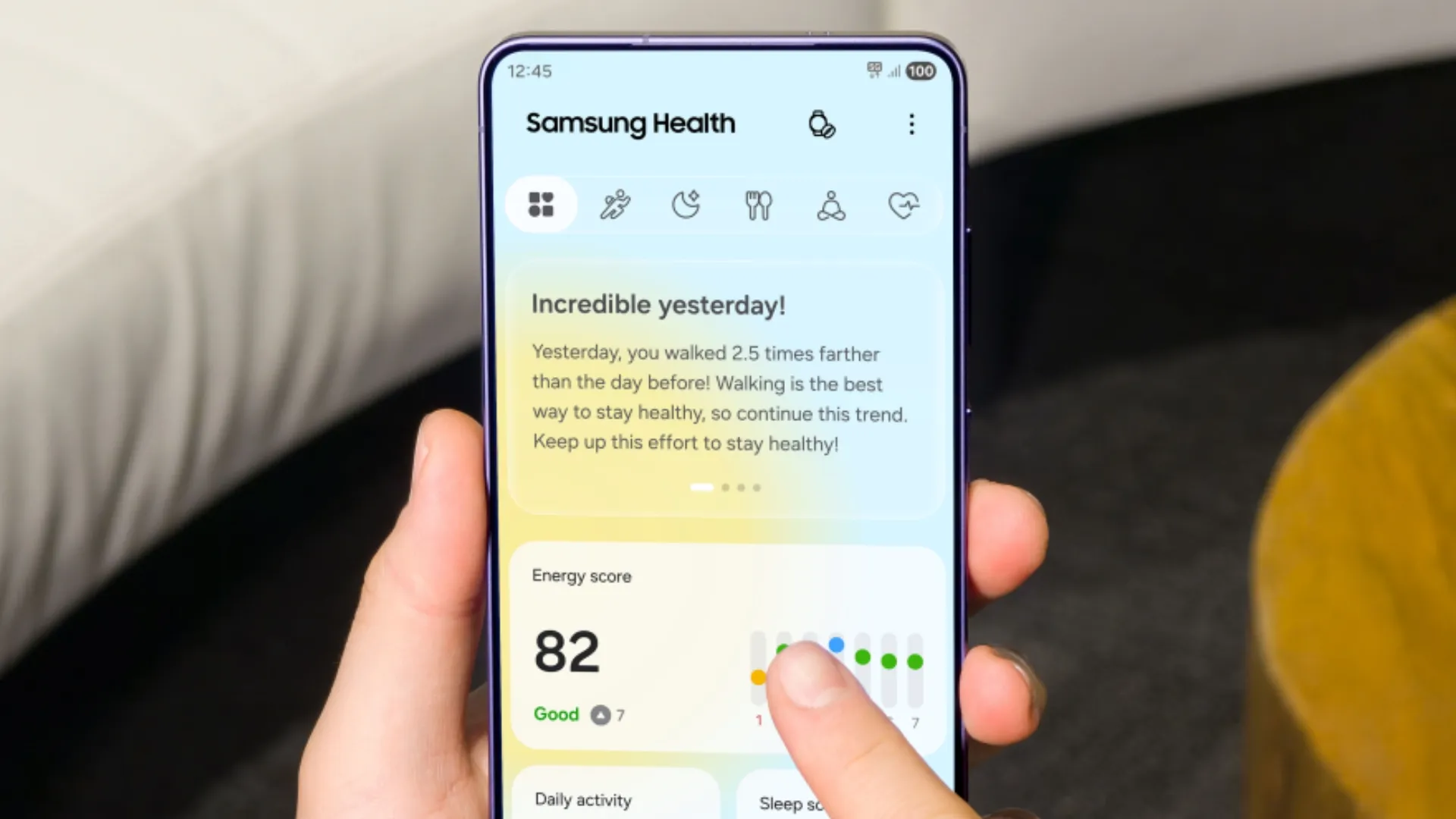
Taking screenshots on Samsung phones has always worked, but it hasn’t always been convenient. You either pressed the power and volume buttons together and waited that extra second for the capture animation, or you used Good Lock modules like One Hand Operation+, which often ended up conflicting with back gestures.
Samsung finally seems to be addressing that annoyance. According to information shared by Ice Universe on X, the latest version of Home Up adds an impressive 36 different gesture shortcuts for screenshots, giving users far more flexibility in how they capture their screen.
Two-finger gestures

Users can assign screenshots to:
- Two-finger swipe left
- Two-finger swipe right
- Two-finger swipe up
- Two-finger swipe down
- Two-finger pinch
- Two-finger spread
- Two-finger tap
- Two-finger double tap
- Two-finger long press
Three-finger gestures

The update also introduces the long-requested three-finger screenshot options:
- Three-finger swipe left
- Three-finger swipe right
- Three-finger swipe up
- Three-finger swipe down
- Three-finger pinch
- Three-finger spread
- Three-finger tap
- Three-finger double tap
- Three-finger long press
For many users, the three-finger swipe gesture will probably end up becoming the default choice since it closely matches how screenshot gestures work on several Chinese Android skins.
Four-finger gestures

Samsung is also adding:
- Four-finger swipe left
- Four-finger swipe right
- Four-finger swipe up
- Four-finger swipe down
- Four-finger pinch
- Four-finger spread
- Four-finger tap
- Four-finger double tap
- Four-finger long press
Five-finger gestures

If four fingers somehow aren’t enough, Samsung goes all the way to five:
- Five-finger swipe left
- Five-finger swipe right
- Five-finger swipe up
- Five-finger swipe down
- Five-finger pinch
- Five-finger spread
- Five-finger tap
- Five-finger double tap
- Five-finger long press
There are probably more screenshot options here than most people will ever use, but that’s kind of the point. With 36 different gestures available, almost everyone should be able to find one that fits naturally into how they use their phone.
The new screenshot gestures are rolling out through the latest version of Home Up, one of Samsung’s Good Lock modules.

You can follow Smartprix on Twitter, Facebook, Instagram, and Google News. Visit smartprix.com for the latest tech and auto news, reviews, and guides.